Blog
Step-by-step guides to Zion Tools modules and articles about working with Telegram and cloud services.
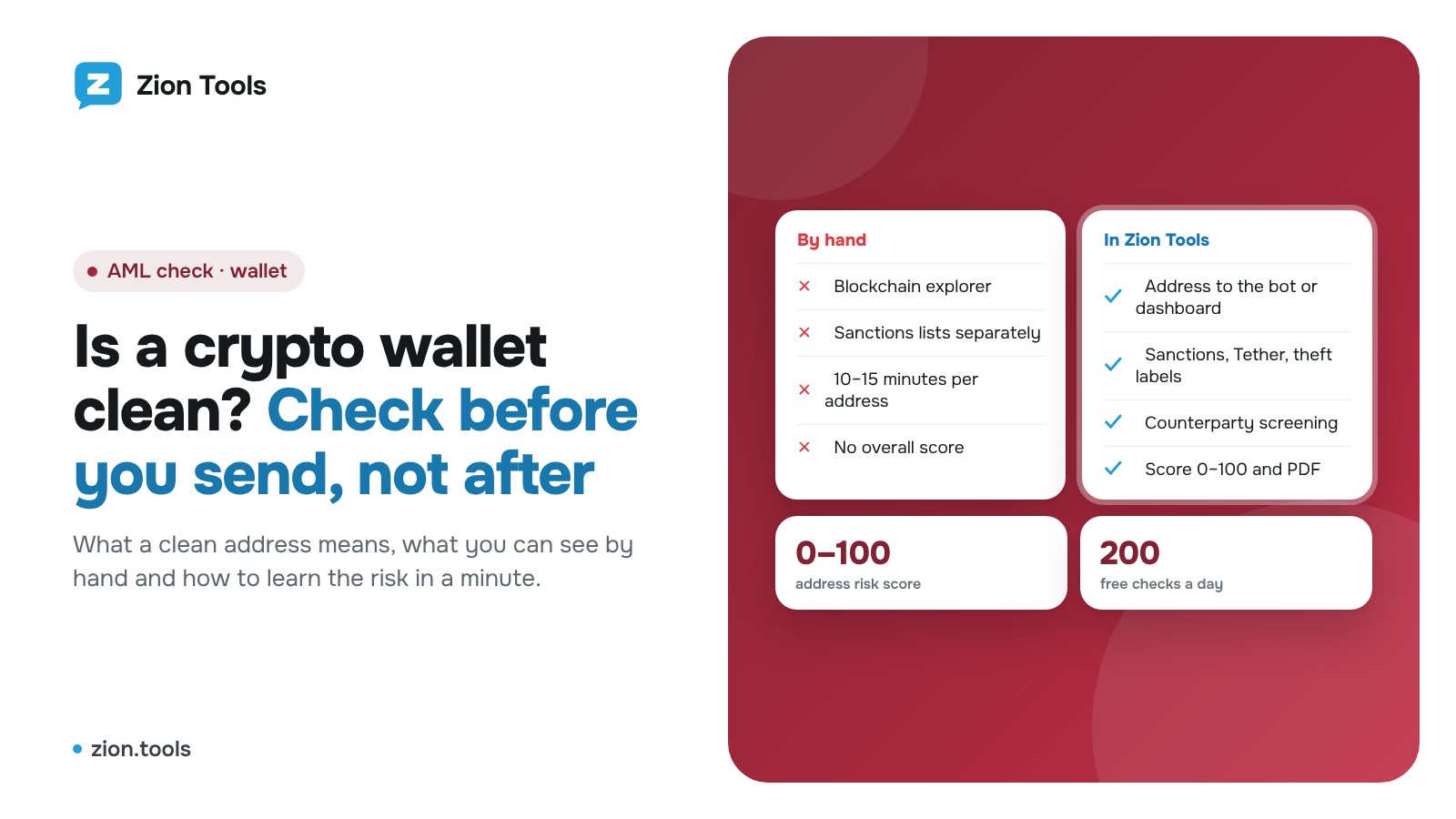
How to Check if a Crypto Wallet Is Clean Before a Deal
What a clean wallet means, what to check by hand in an explorer and how to see an address's risk level in a minute: sanctions, Tether freezes, theft labels.
Read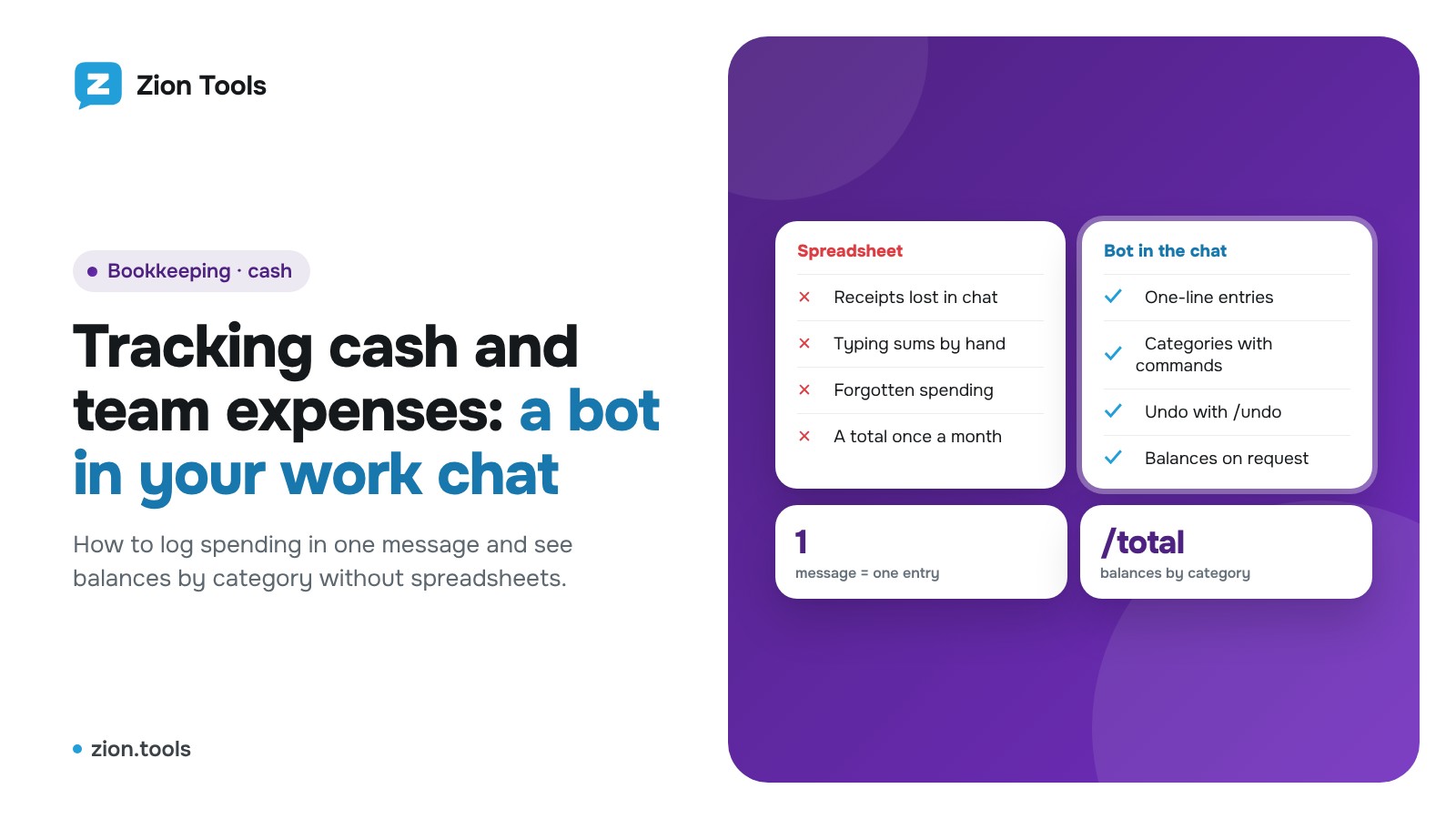
Track Cash and Team Expenses With a Telegram Chat Bot
How to track cash and small team expenses in a Telegram work chat: categories, one-message entries, undo and balances without spreadsheets or manual totals.
Read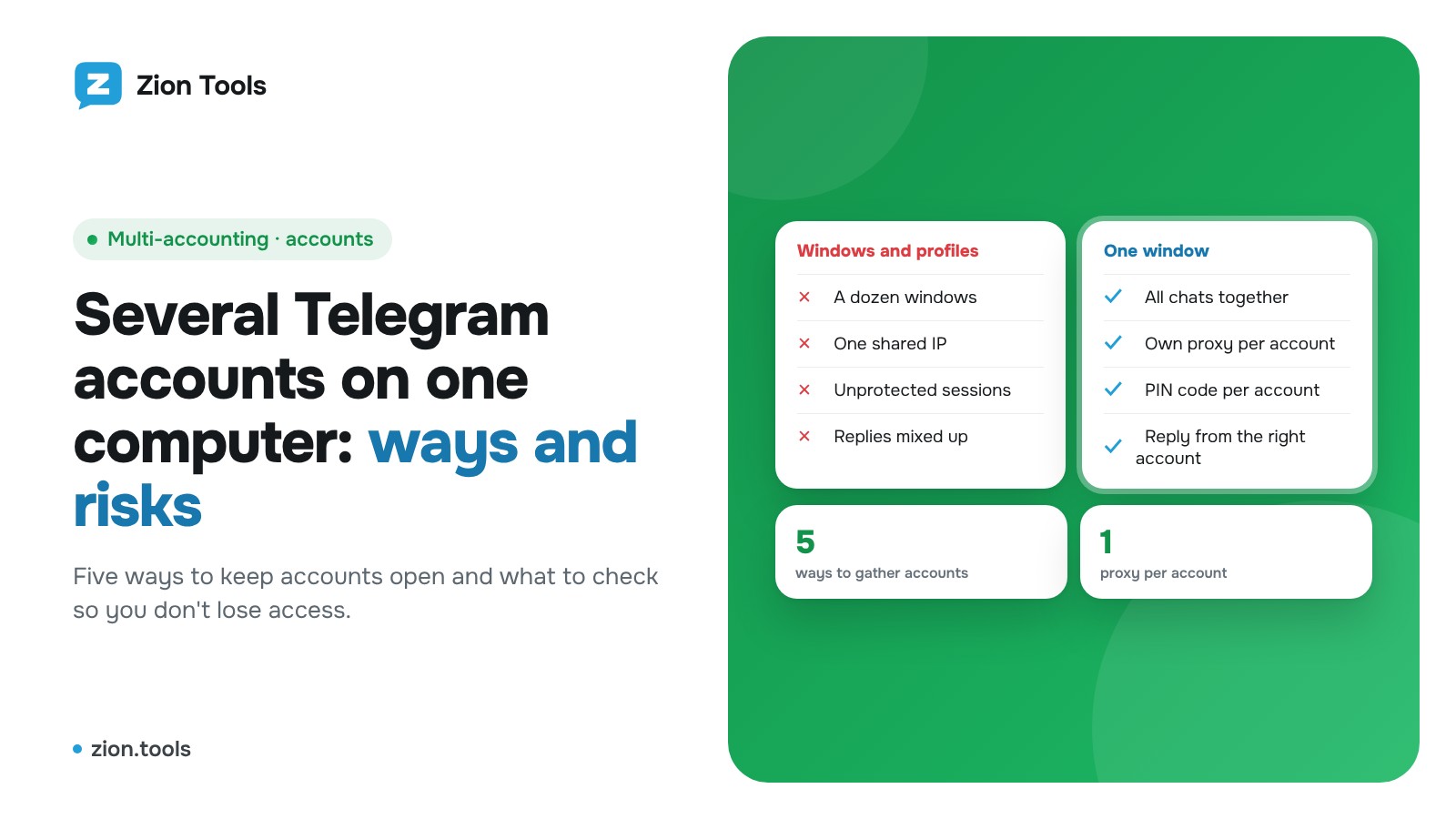
Several Telegram Accounts on One Computer: Ways and Risks
Five ways to run several Telegram accounts on one computer, what each one risks, and how to gather them in one window with proxies and a PIN code.
Read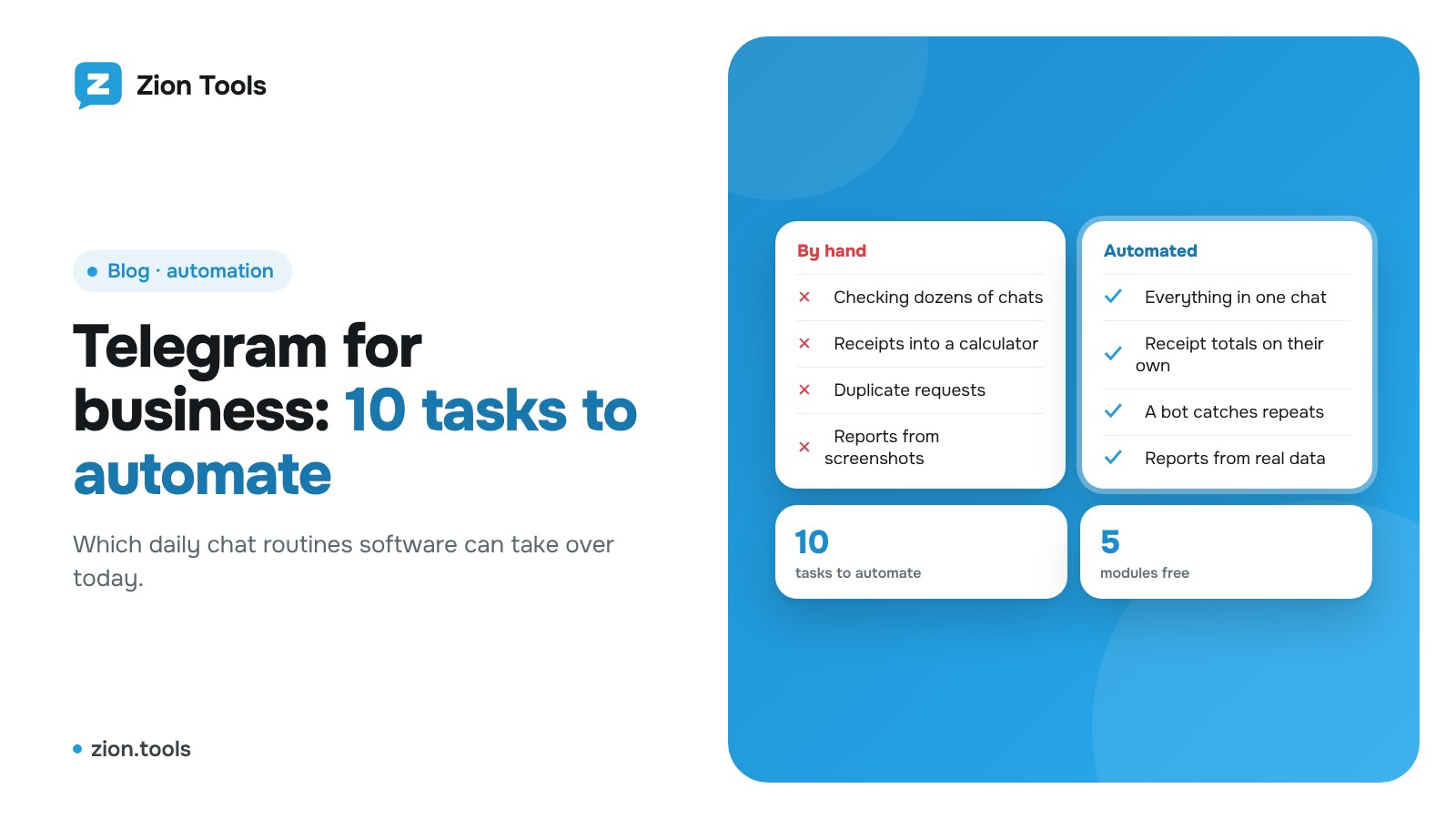
Telegram automation for business: 10 tasks you can hand off
Which daily Telegram tasks software can take over today: forwarding, alerts, receipts, expense tracking, duplicates and reports. Ten practical examples.
Read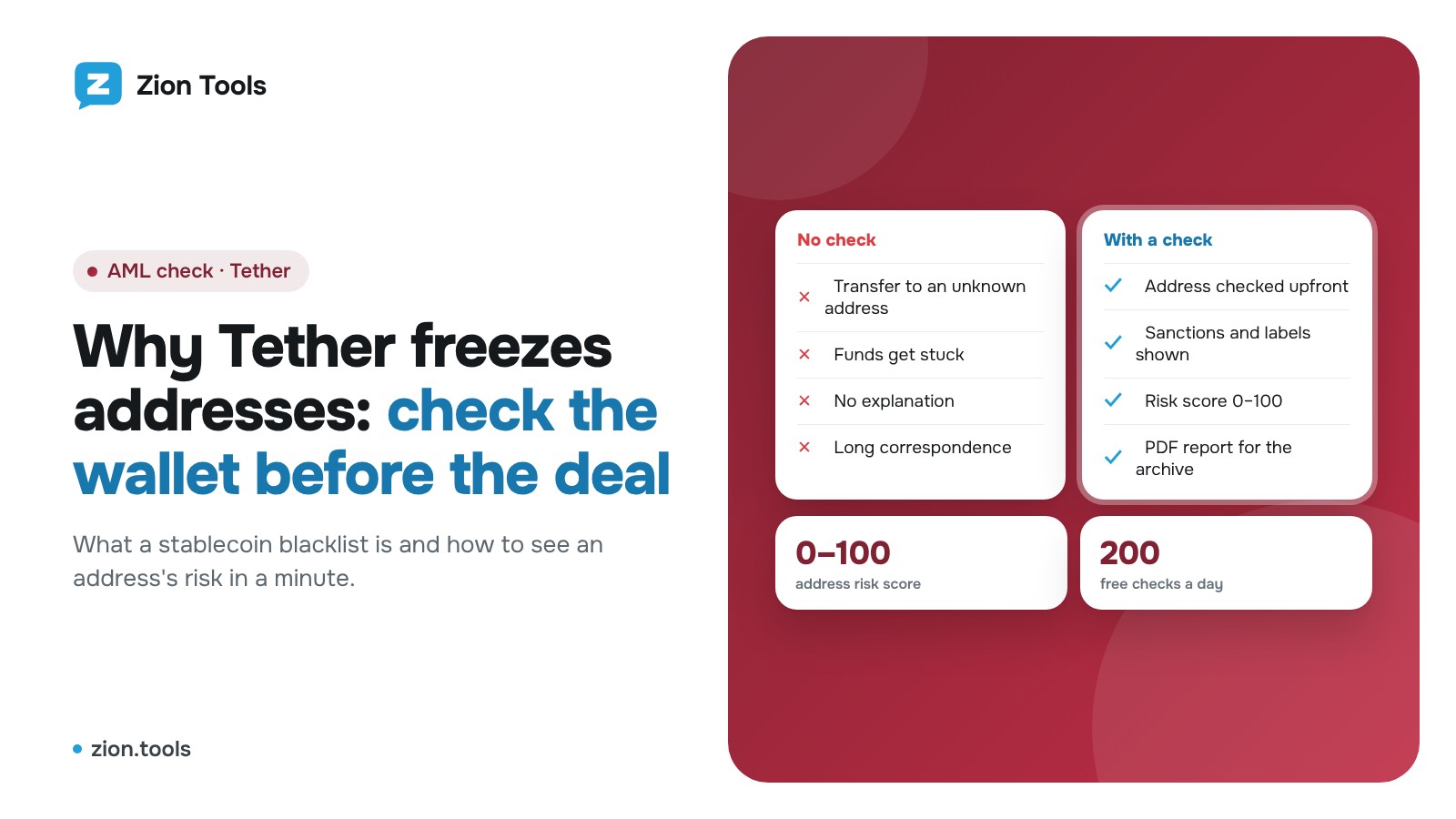
Why Tether Freezes Addresses and How to Check a Wallet
What a frozen stablecoin address means, why addresses land on the Tether blacklist and how to check a wallet before a deal: by hand and with Zion Tools AML check.
Read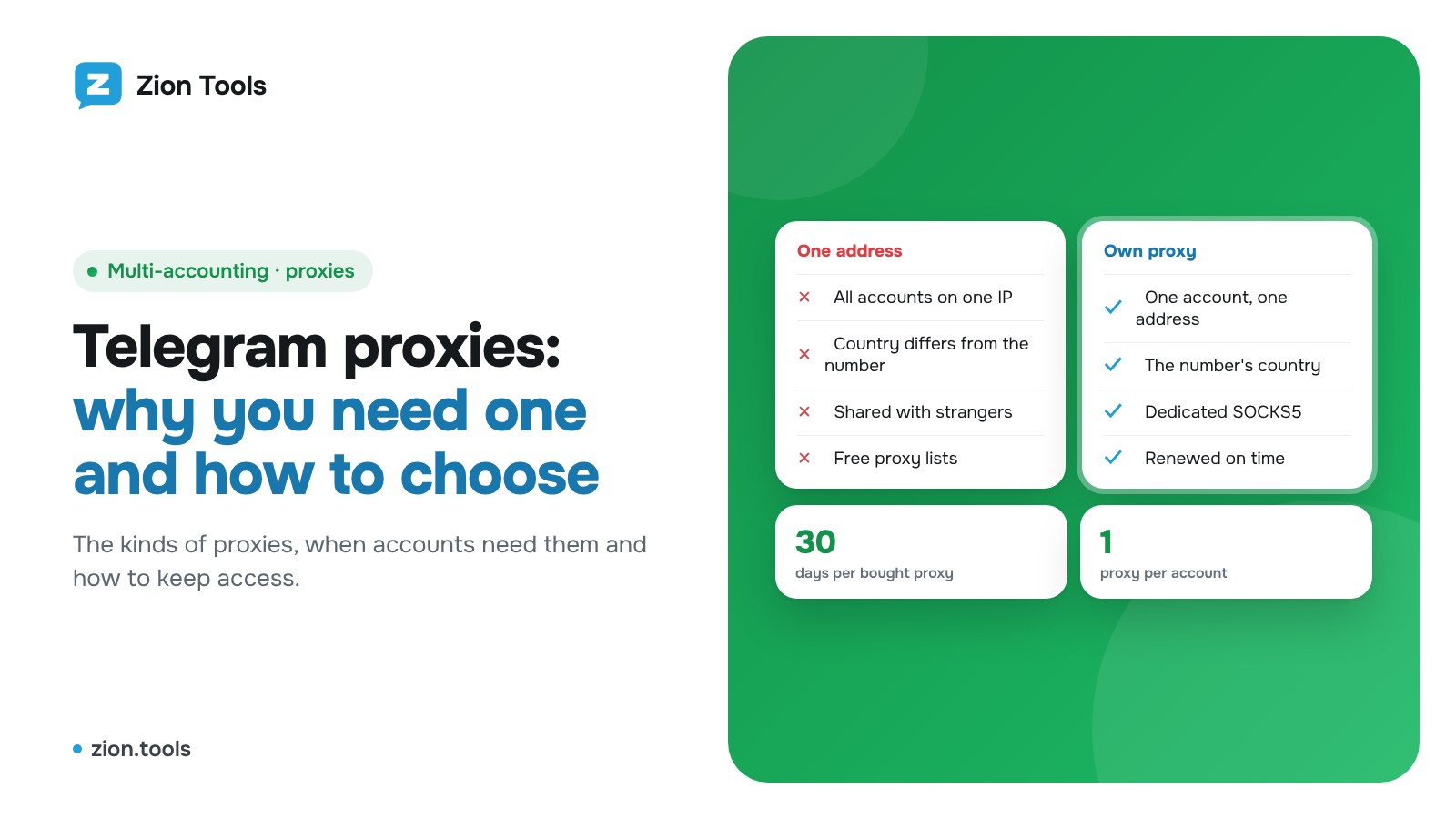
Telegram Proxy: Why You Need One and How to Choose
What a Telegram proxy does, the types (SOCKS5, HTTP, MTProto), when accounts need one and how to avoid trouble. Setup in Zion Tools included.
Read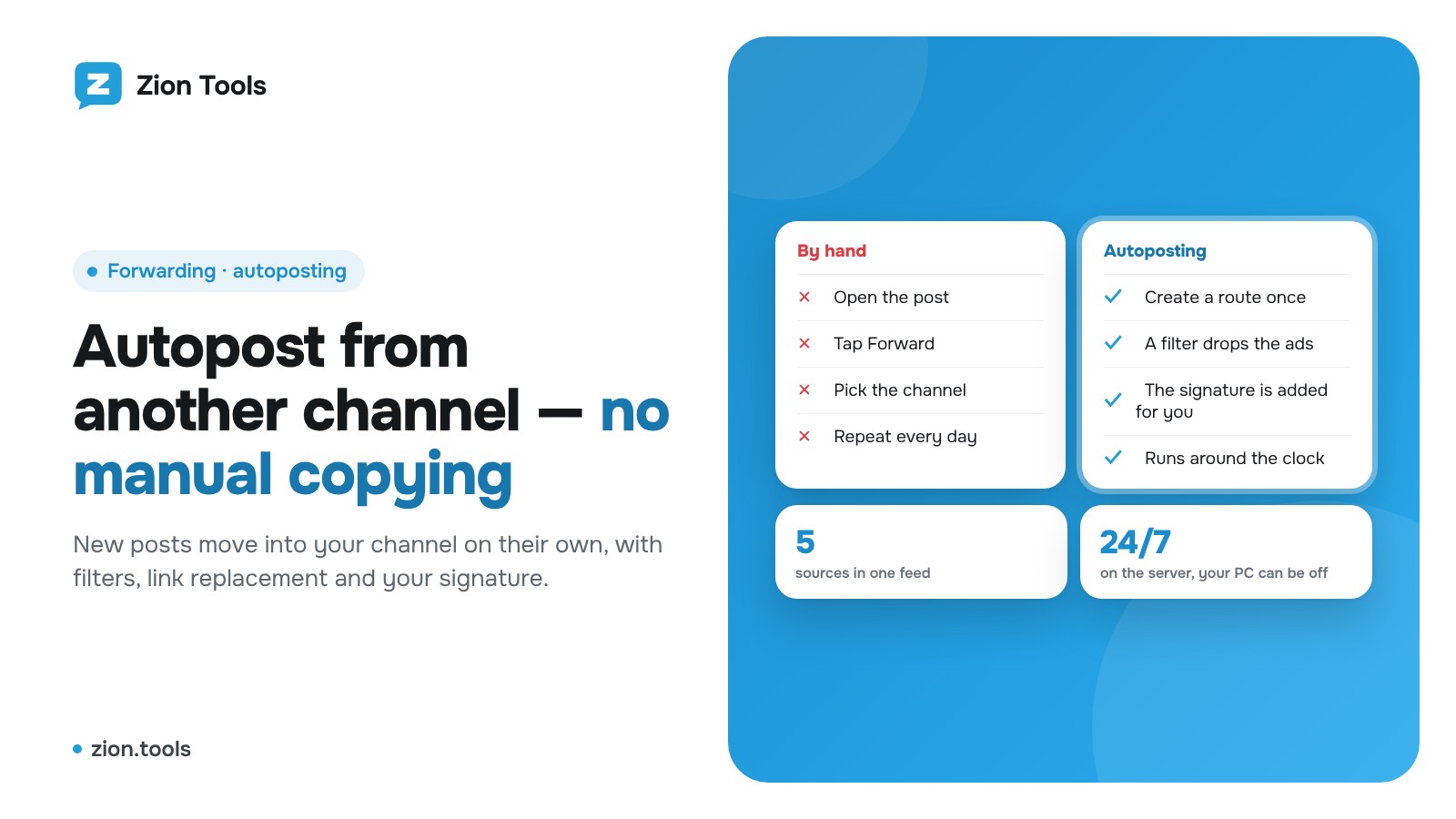
Autopost to a Telegram Channel from Another Channel
How to automatically move posts from another Telegram channel into yours: methods, limits, filters, link replacement and a signature. Step by step, no manual copying.
Read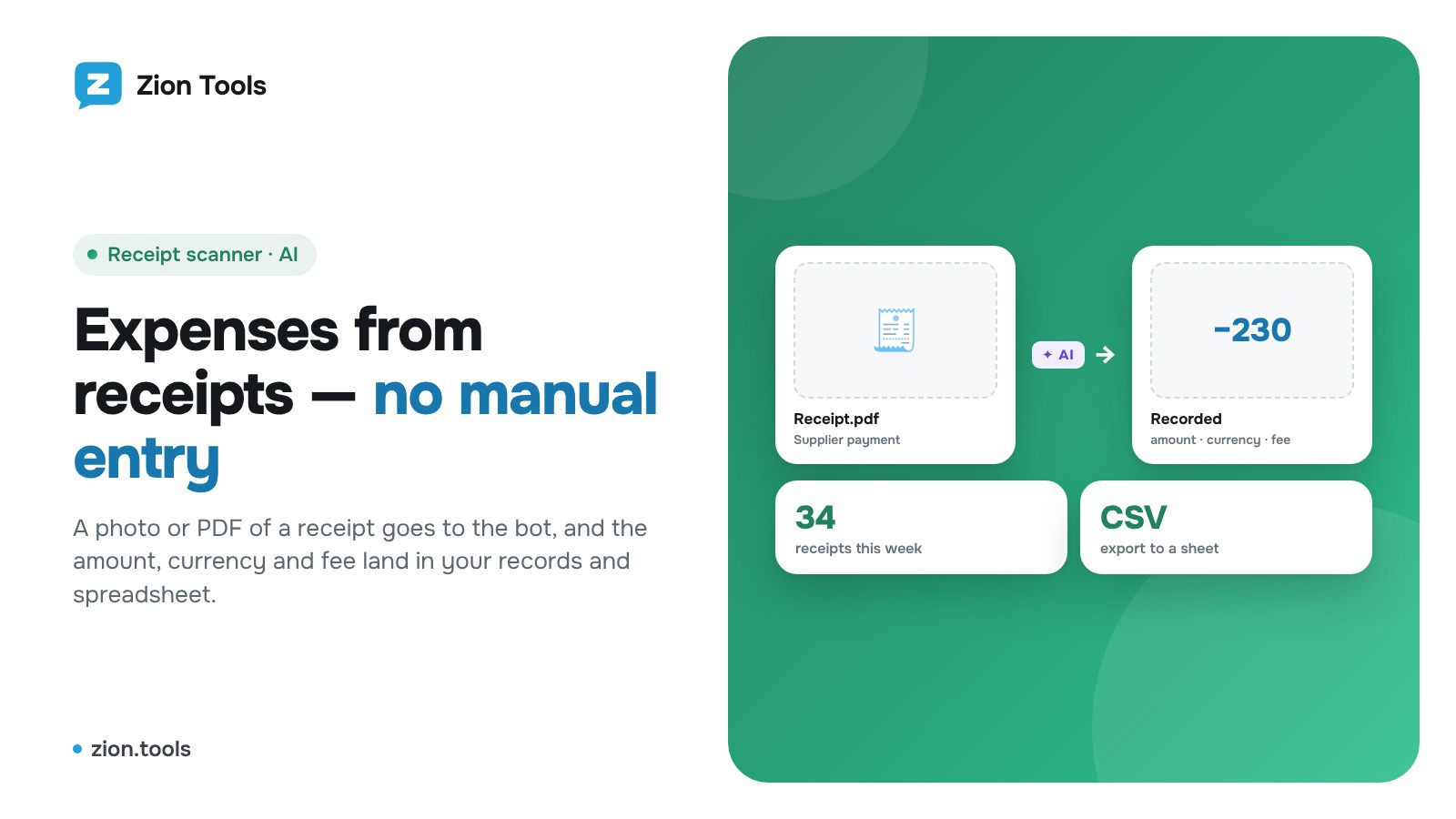
Track Expenses from Receipts in Telegram, No Typing
How to track expenses from receipts without retyping amounts: a bot reads photos and PDFs, keeps the fee apart, closes periods and sends data to a spreadsheet.
Read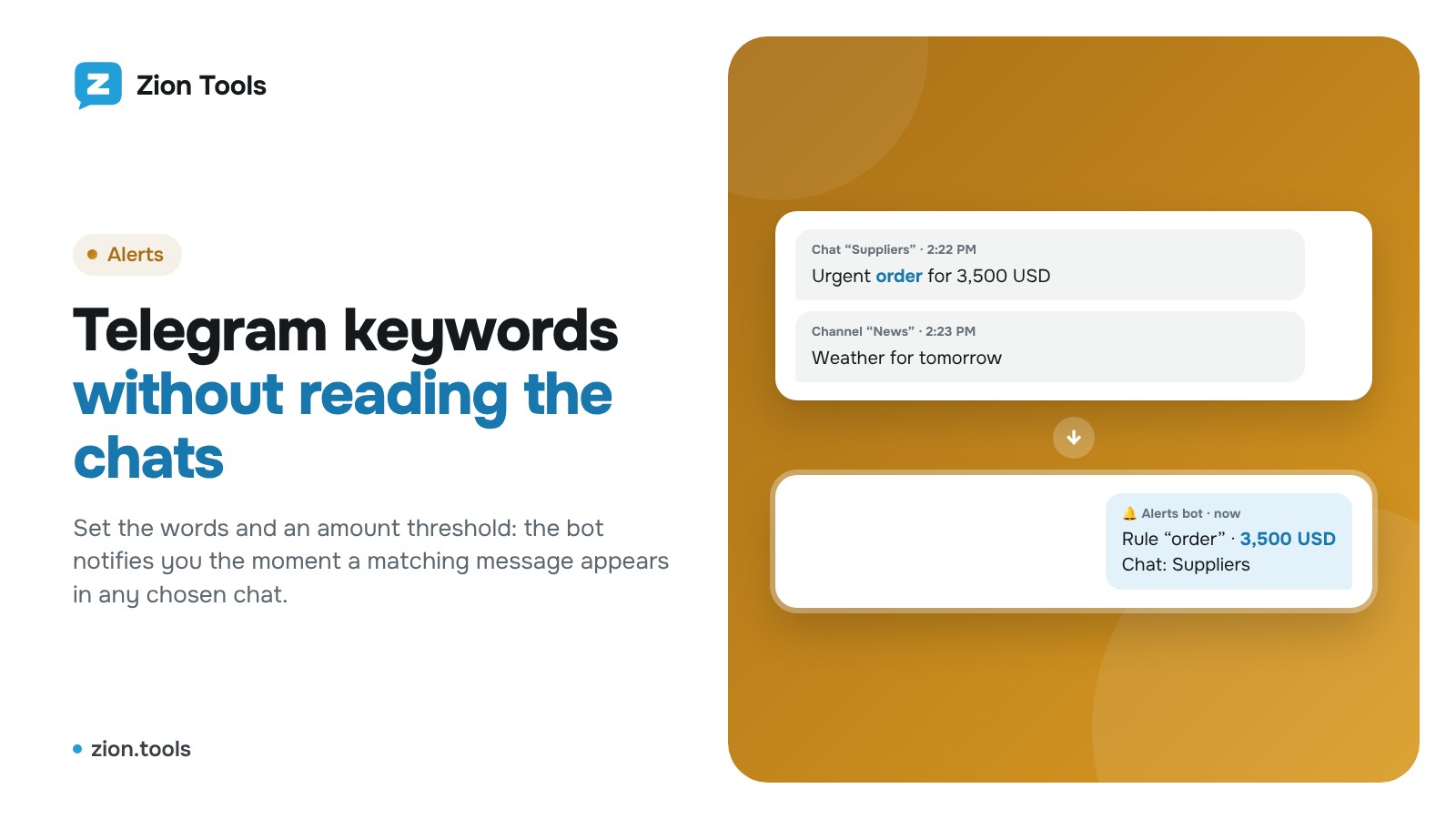
Telegram Keyword Monitoring: Get Alerts for Key Words
How to watch words and amounts across dozens of Telegram chats and channels without reading them: rule, amount threshold, chats, webhook and alert log.
Read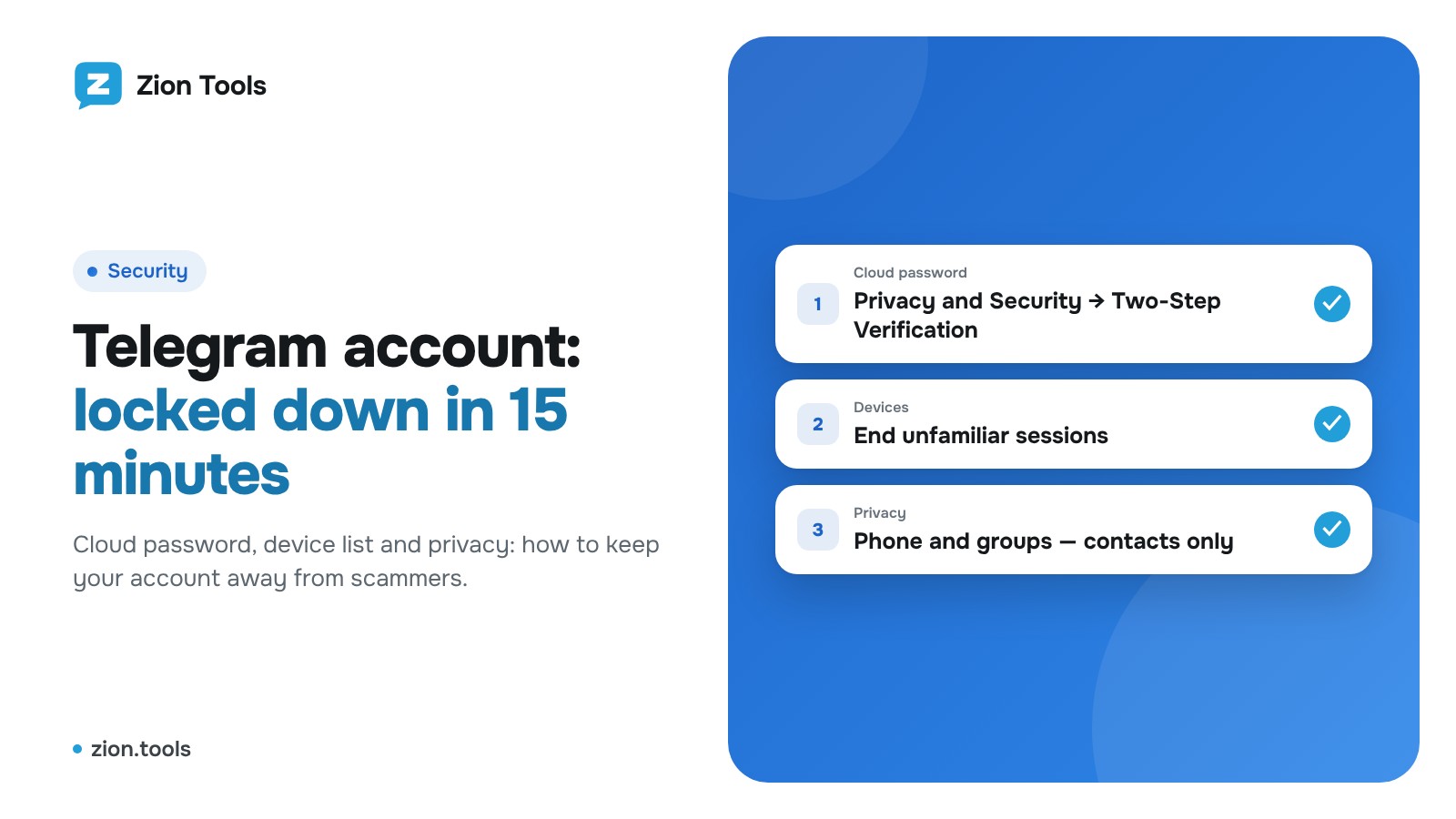
How to Protect a Telegram Account From Hacking
Cloud password, device list, privacy settings and phishing signs: a step-by-step way to secure a Telegram account, and what to do if it's already hacked.
Read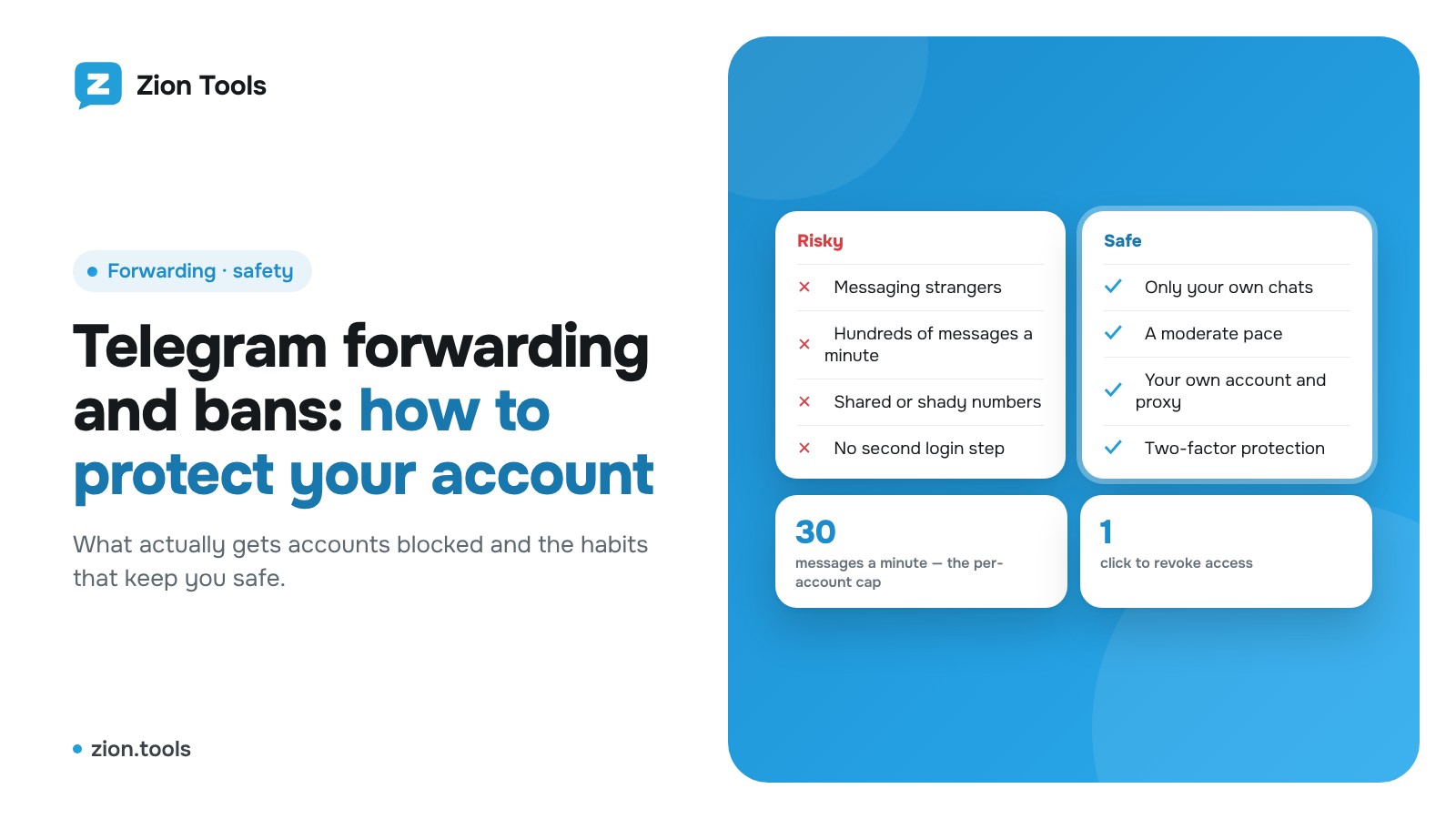
Is Telegram Forwarding Safe? How to Avoid a Ban
What actually gets a Telegram account blocked when you forward messages, and six rules that cut the risk: pace, your own chats, 2FA, device checks.
Read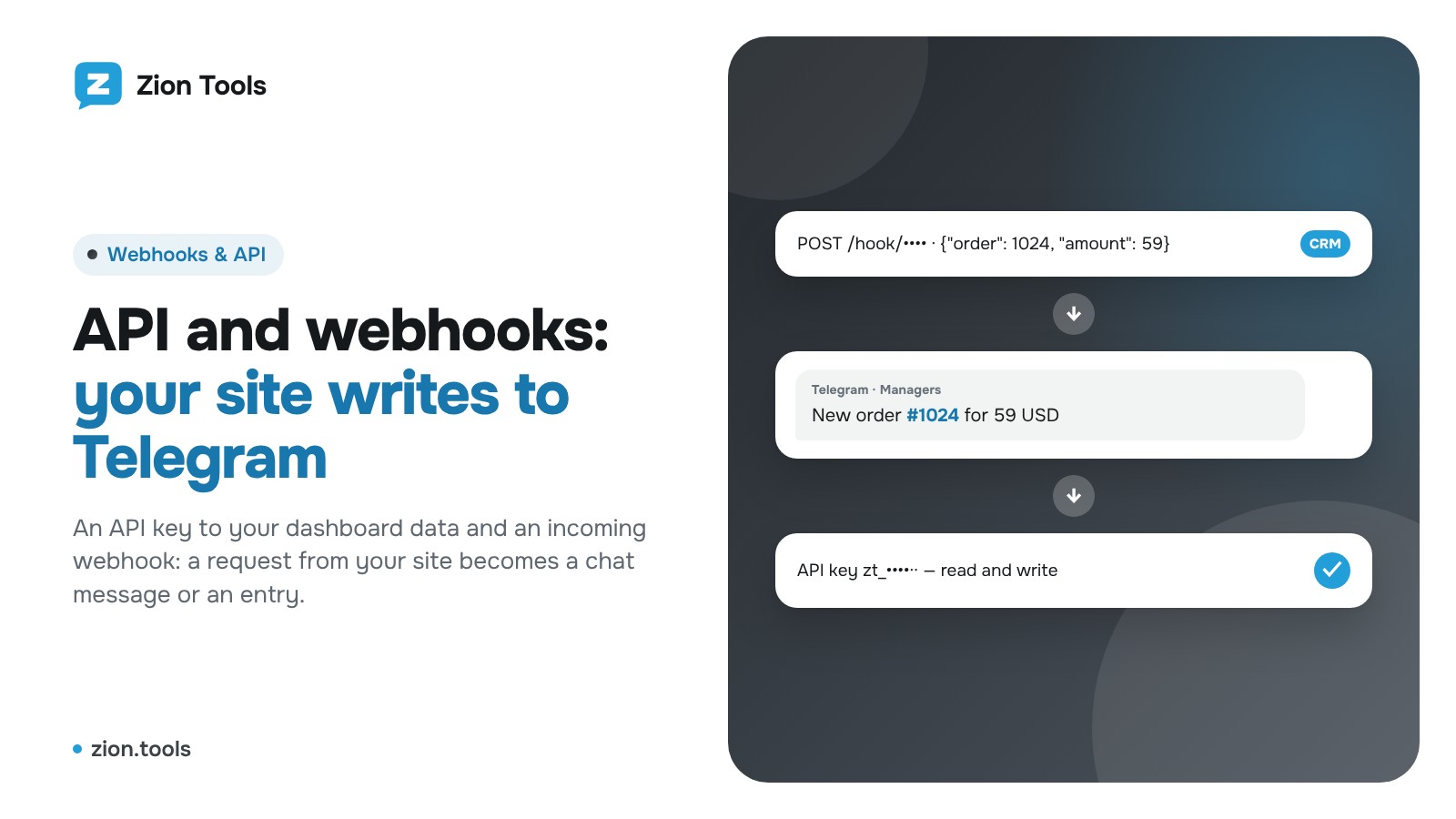
API and webhooks: connect your site and CRM to Telegram
How to issue an API key, send your first request and create an incoming webhook: a website order becomes a Telegram message or a Bookkeeping entry.
Read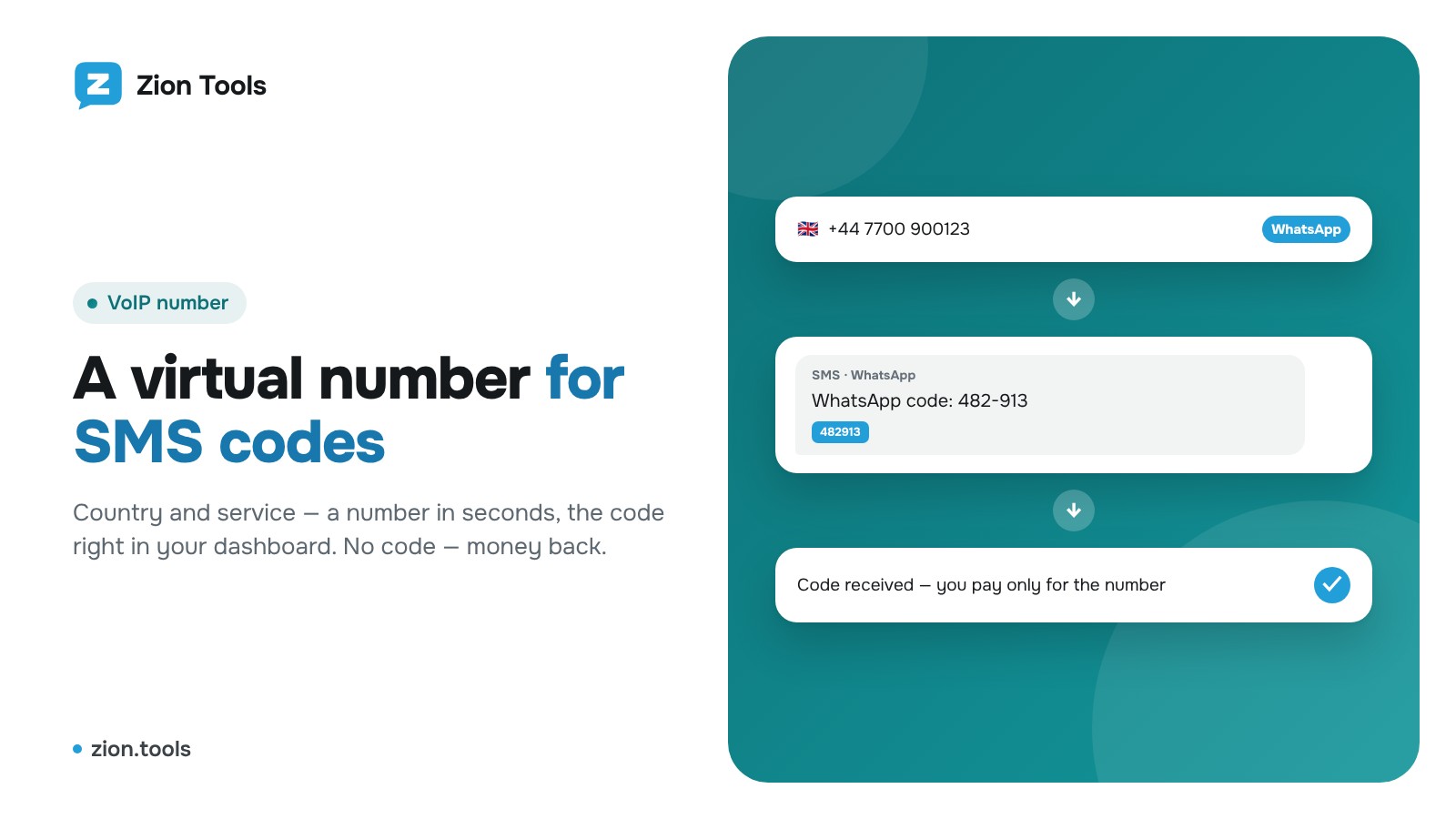
How to get a virtual number for an SMS code in Zion Tools
Step-by-step guide: choose a country and service, get a temporary number, receive the SMS code in your dashboard, request another SMS or get a refund.
Read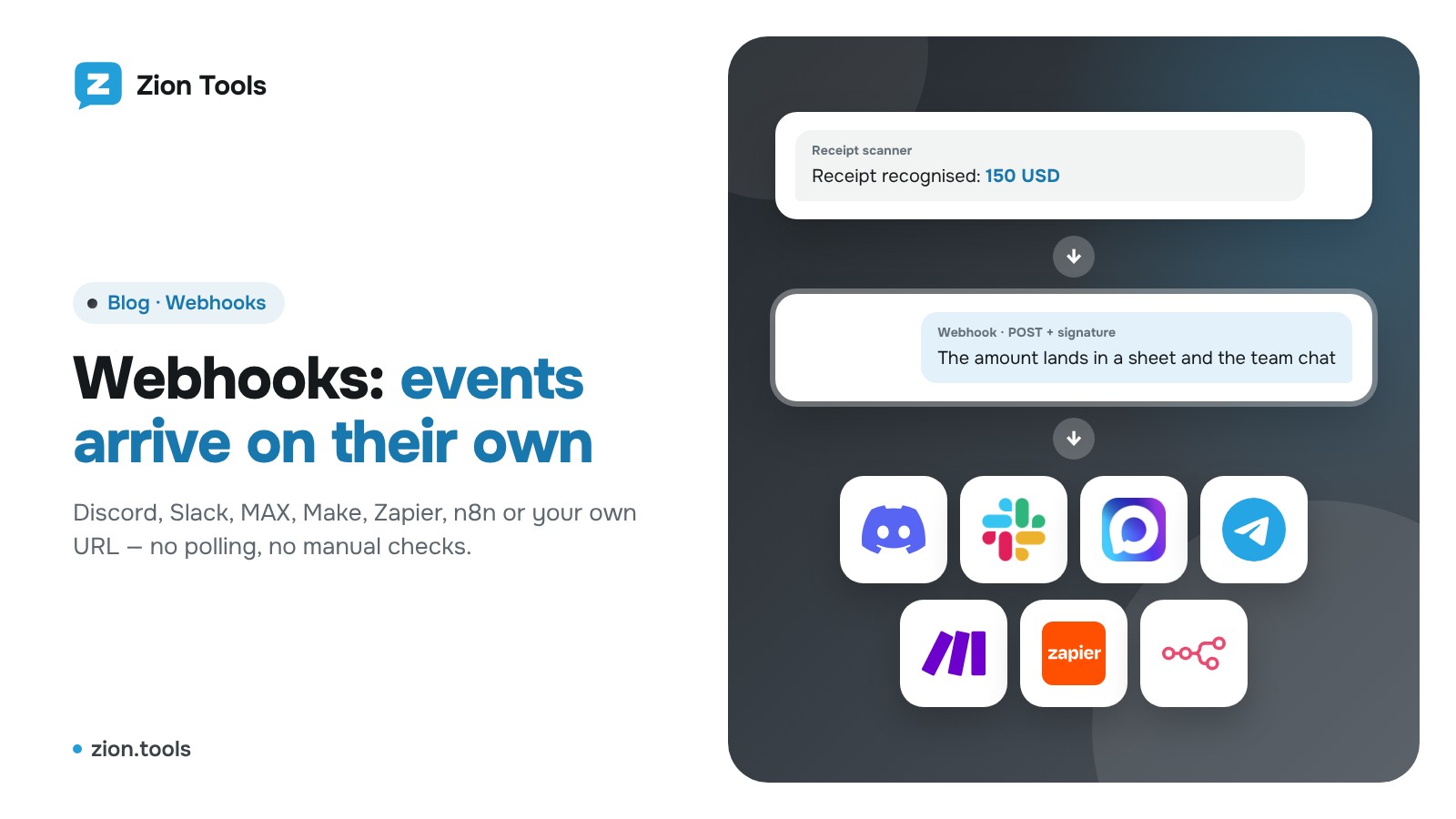
What Are Webhooks? Send Telegram Events to Discord and Slack
Webhooks in plain words: how they beat polling and how to send Telegram events to Discord, Slack, MAX, Make, Zapier and n8n with Zion Tools.
Read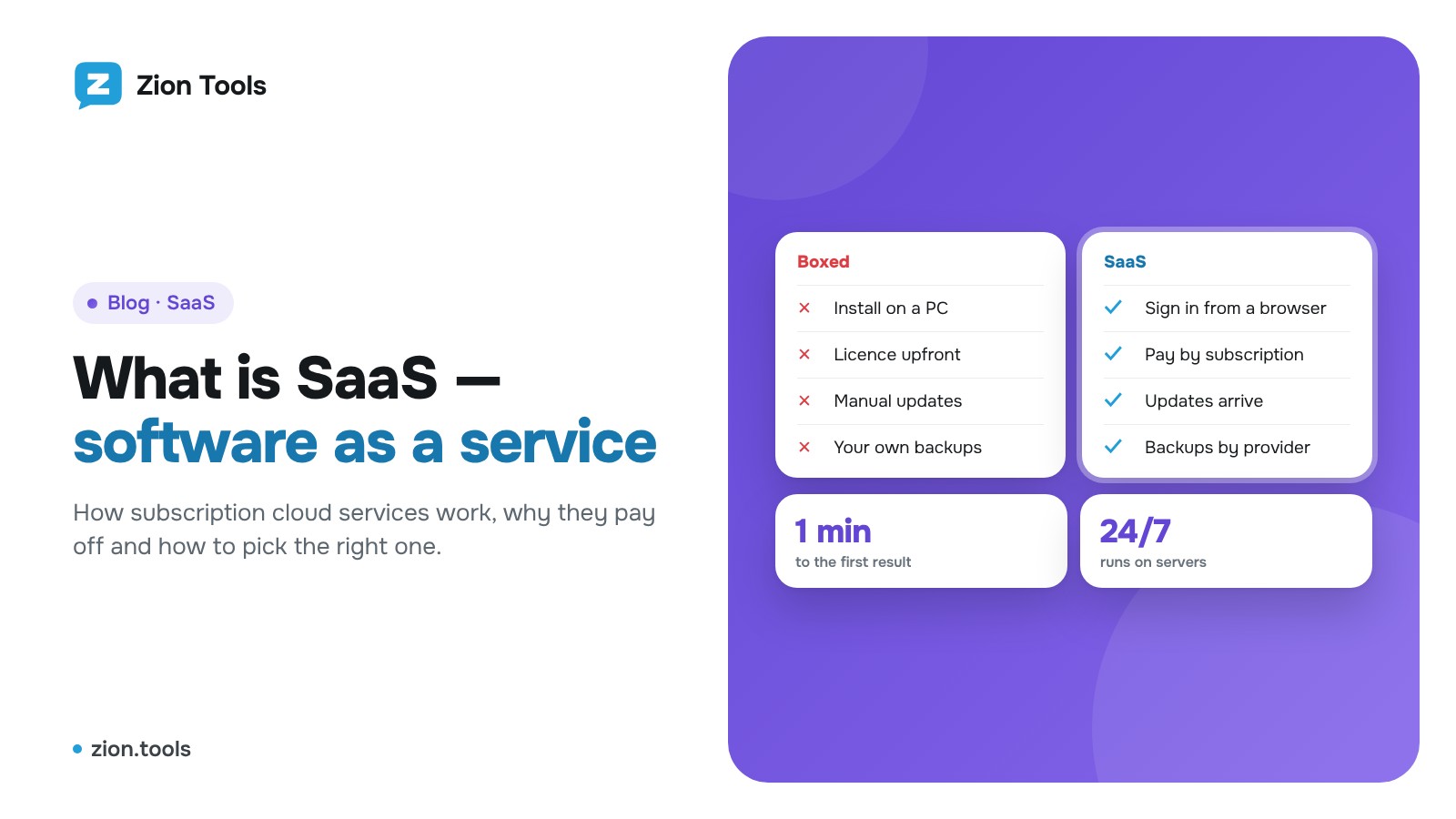
What is SaaS: subscription cloud services explained
The SaaS model in plain words: how it differs from buying software, its benefits and limits, how to choose a service and a plan. Plus how the Zion Tools panel works.
Read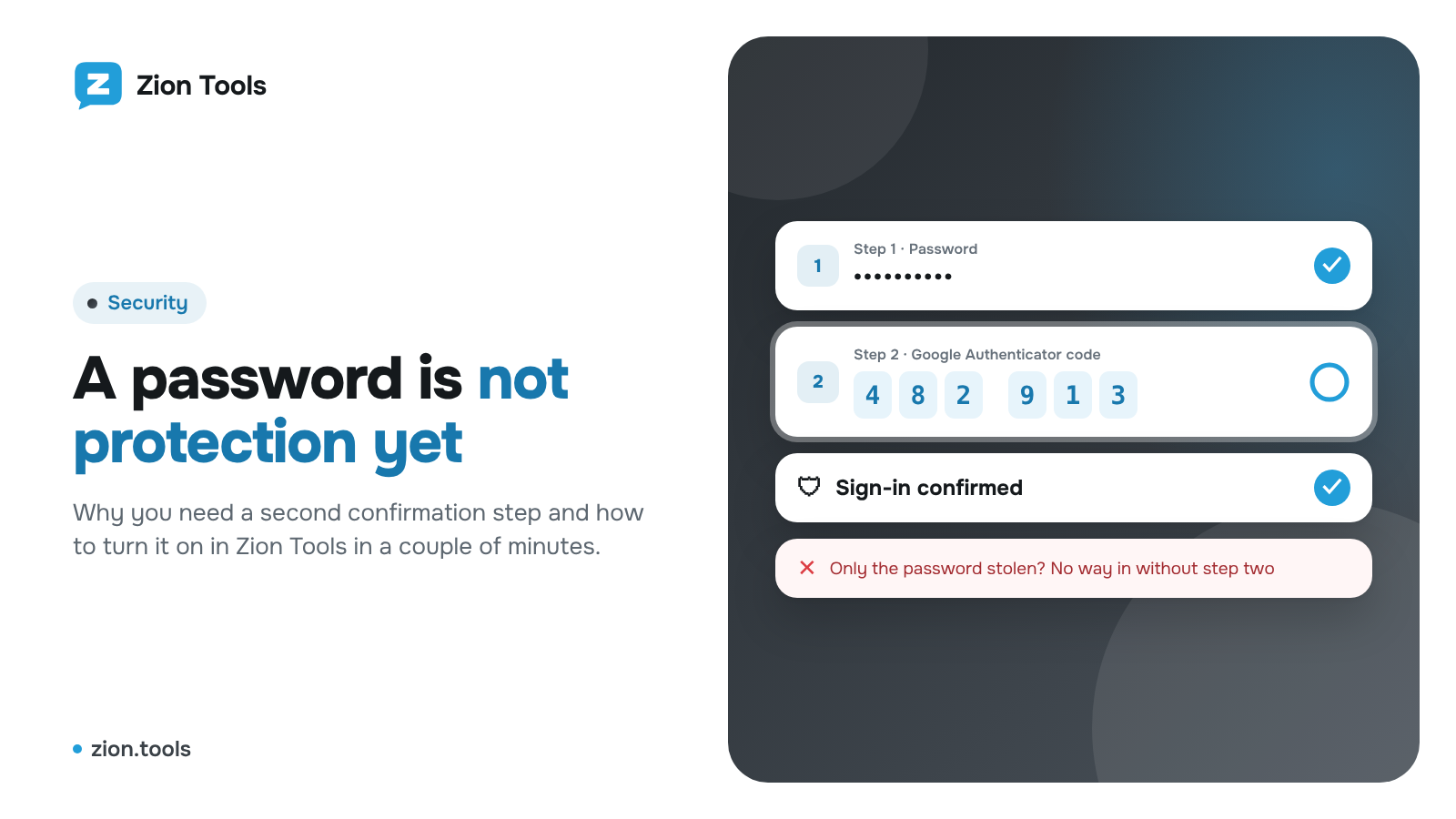
Two-factor authentication: why a password is not enough
Why a password alone is not enough, how two-factor authentication works and how to turn on a passkey, Google Authenticator, Telegram code and trading password in Zion Tools.
Read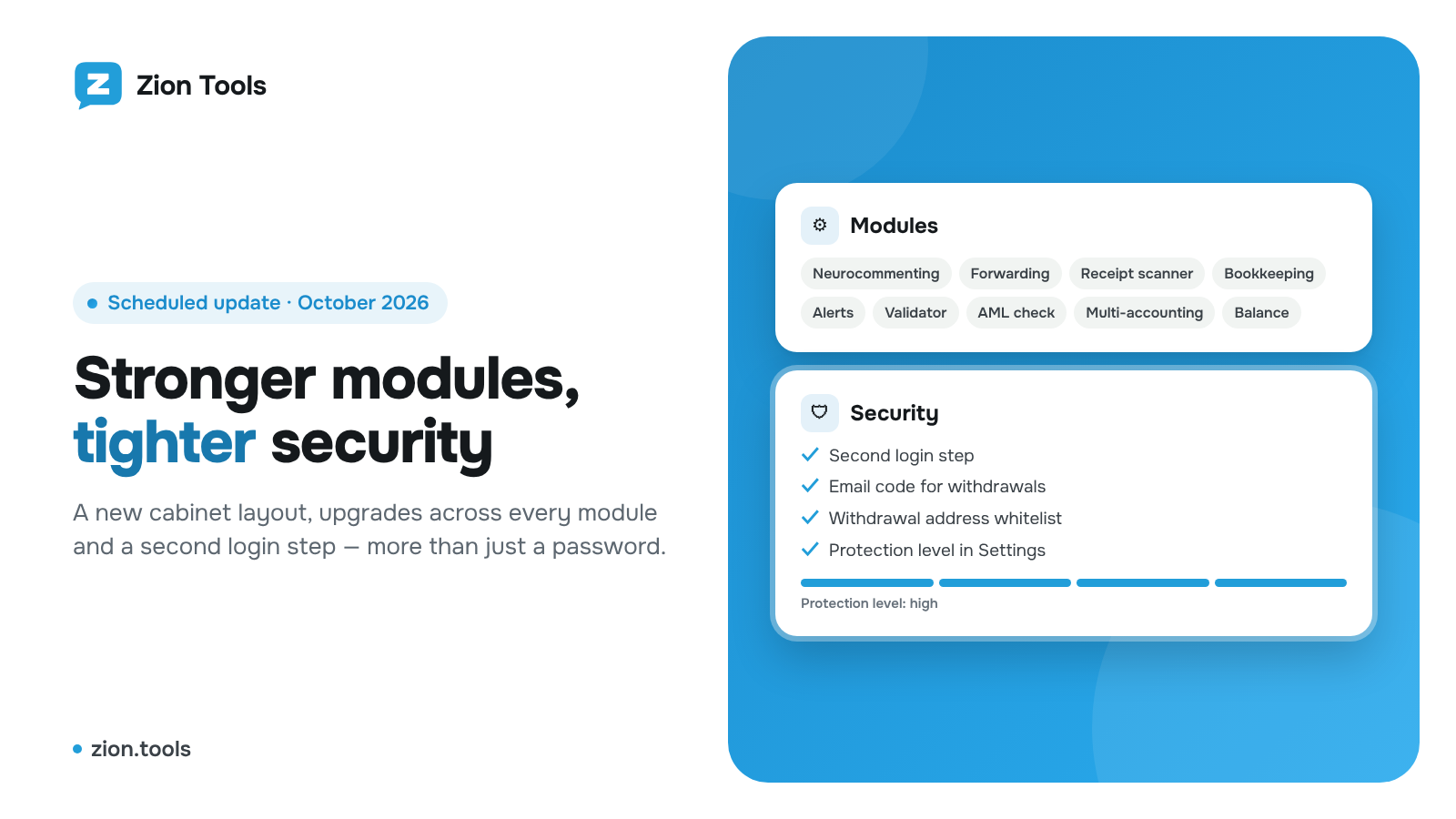
October update: stronger modules and security
October update: a new cabinet layout, upgrades across every module, a second login step, an email code for withdrawals and an account protection level.
Read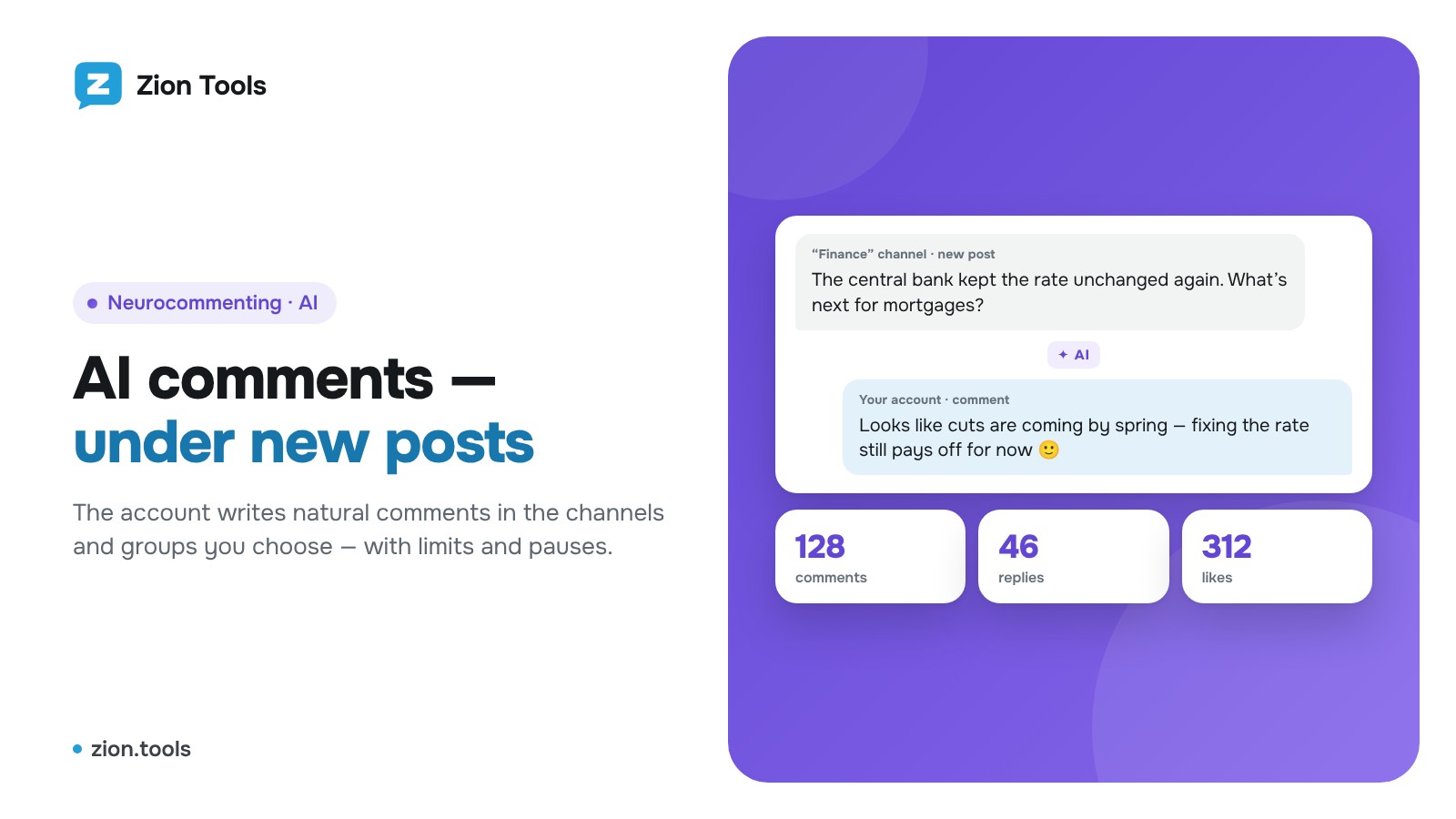
Telegram AI Commenting: How to Set Up Neurocommenting
Step-by-step guide: a campaign, choosing channels with open comments and groups, style, hourly limit and pause, the comment log and pricing.
Read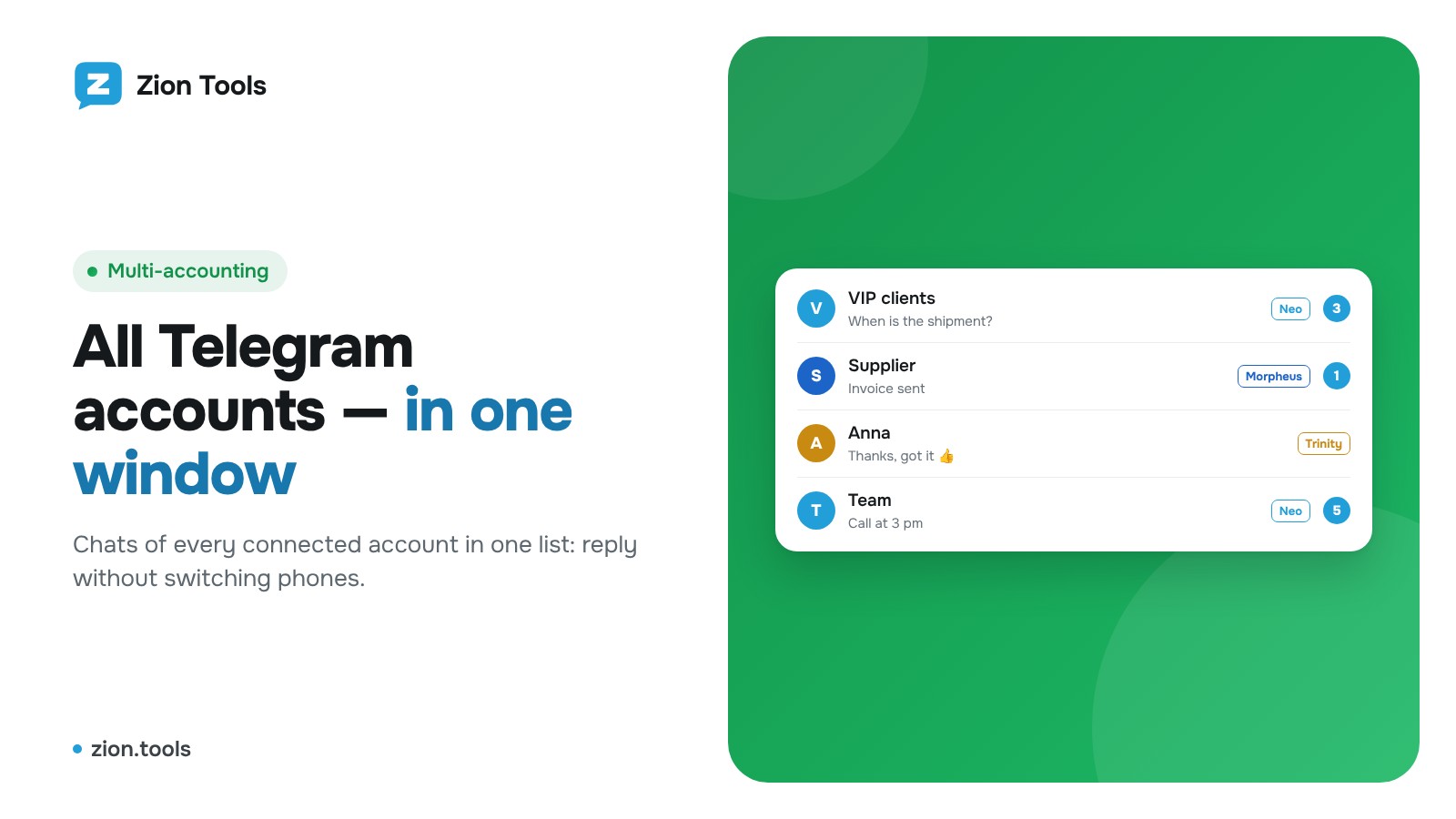
How to Manage Multiple Telegram Accounts in One Window
Step-by-step Multi-accounting guide: connecting accounts, a proxy for each account, working with chats, folders and messages in one browser window.
Read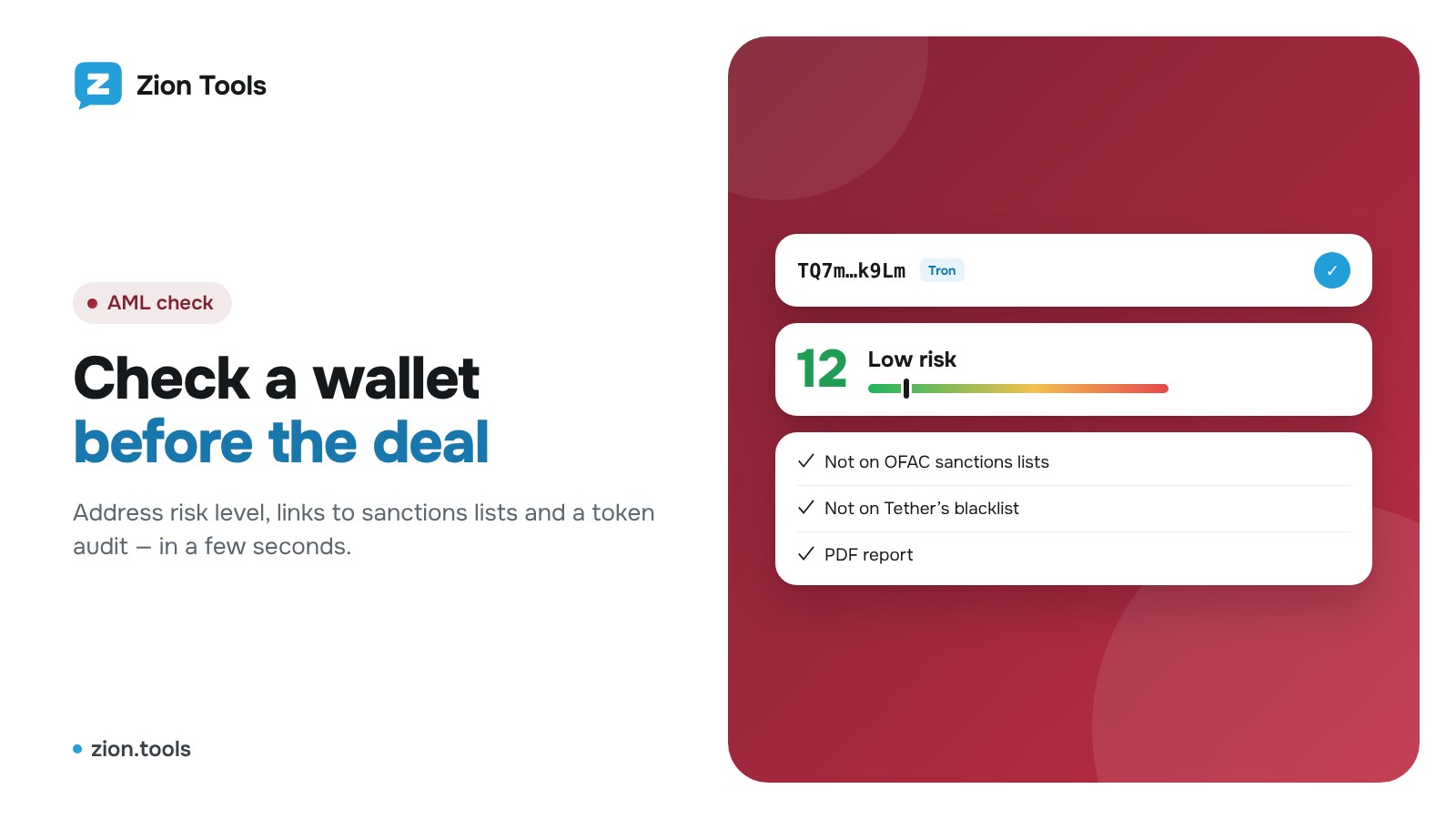
How to Run an AML Check on a Crypto Wallet and Audit a Token
Step-by-step guide: checking an address in the Telegram bot and the dashboard, what the risk score means, supported networks and reading the PDF report.
Read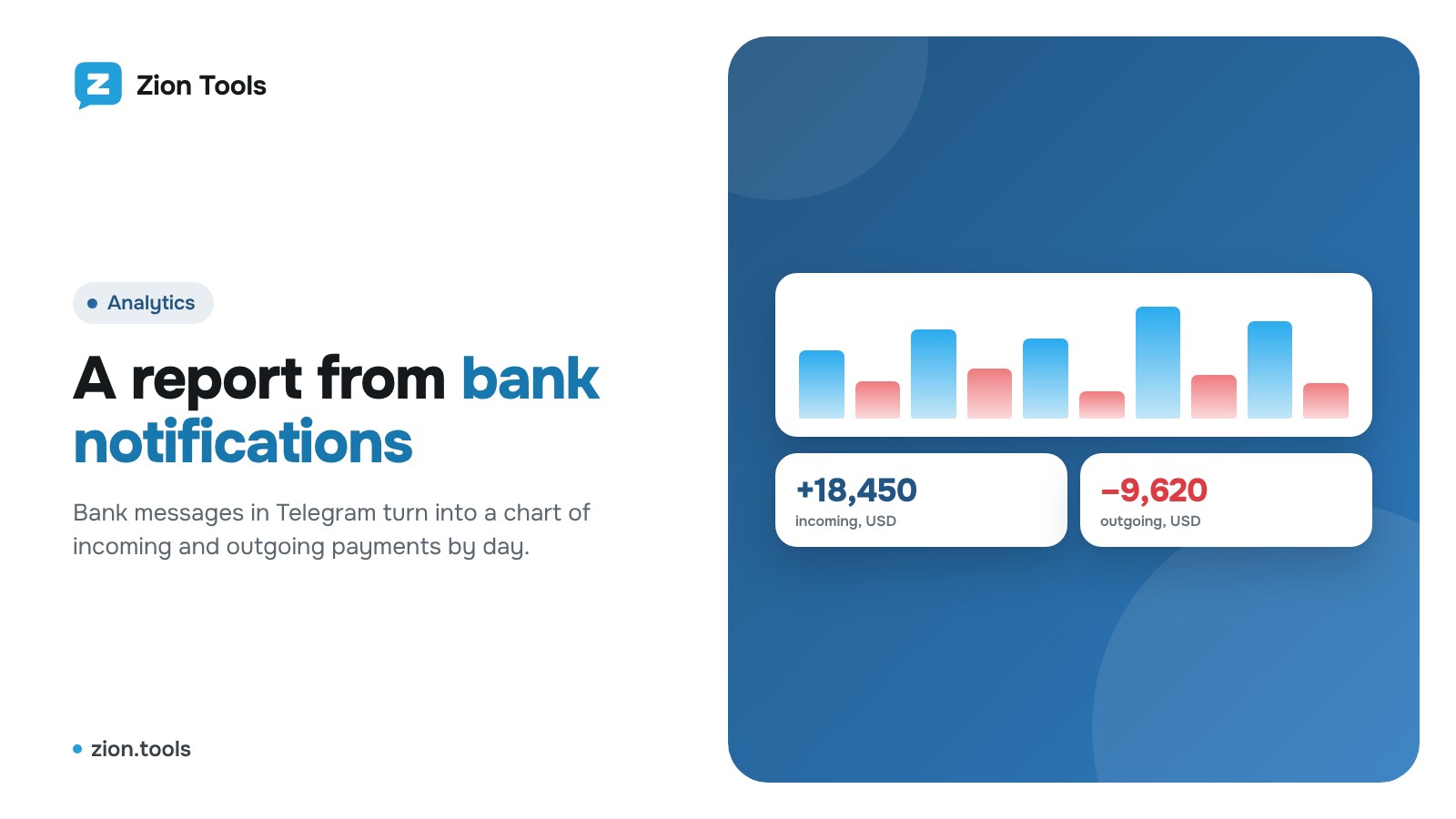
How to Build a Report from Bank Notifications in Telegram
Incoming and outgoing transactions from bank notifications in Telegram: a template for your bank, daily charts, totals by currency and Excel export.
Read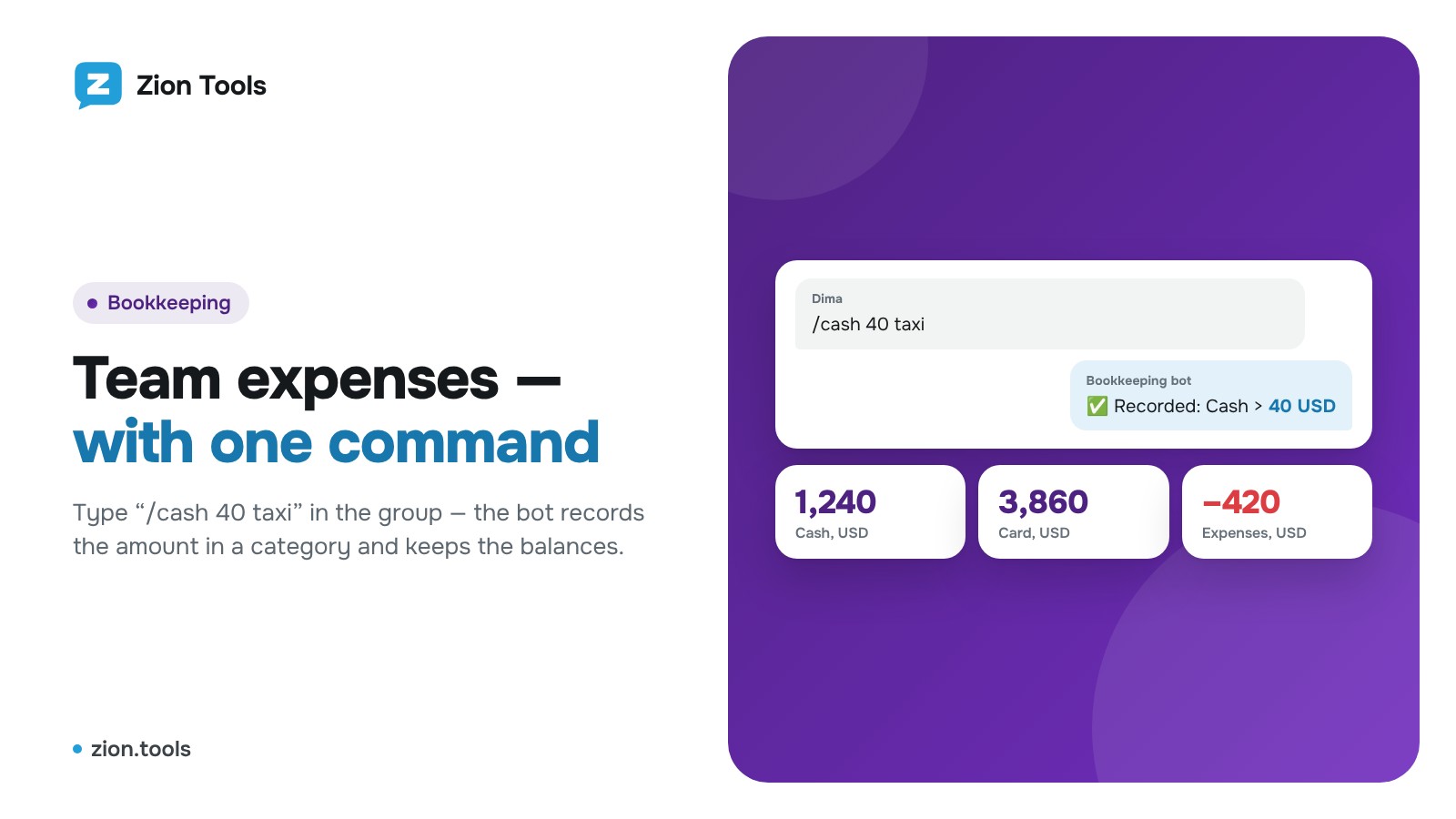
How to Track Team Expenses in a Telegram Group
A bookkeeping bot: categories with buttons and commands, amounts with comments, balances by category, multiple currencies and month closing.
Read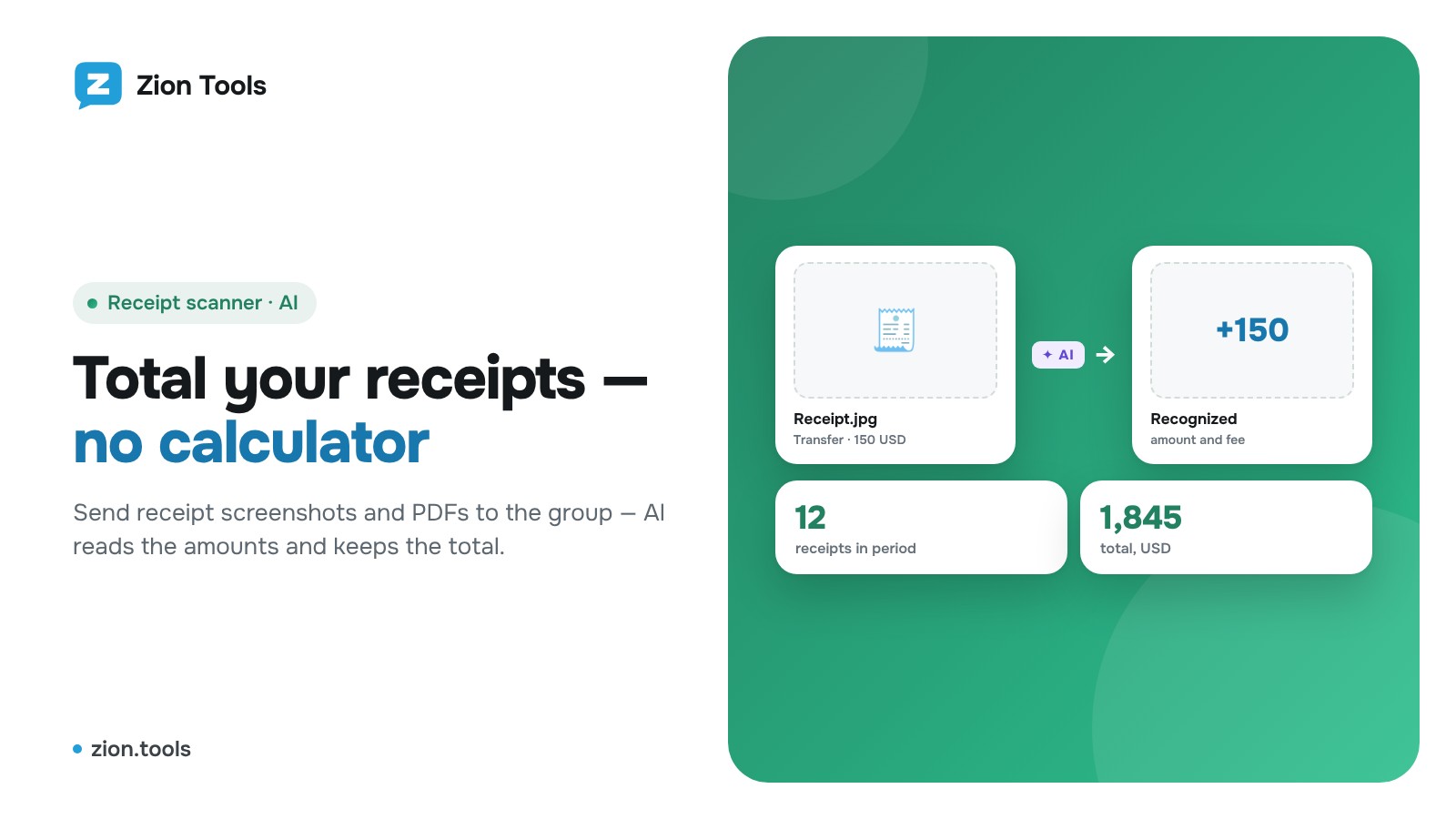
How to Total Receipt Screenshots in a Telegram Group
The bot reads the amount on a receipt or transfer screenshot and keeps a running total for the group: /total, /list, /undo, /add, /reset and a dashboard report.
Read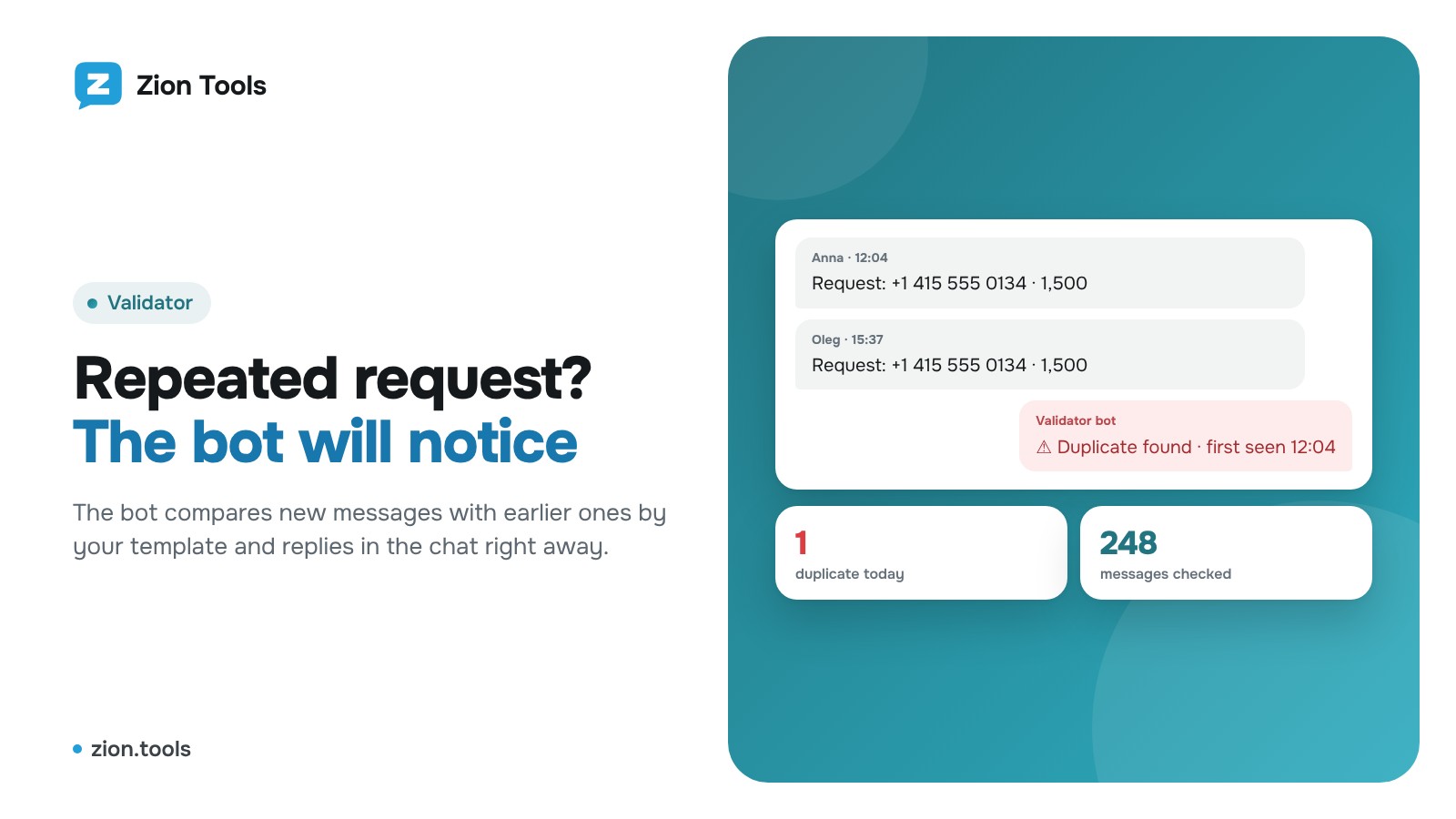
How to Catch Duplicate Requests in a Telegram Group
The bot compares new messages with earlier ones using your template (card, amount, request number) and replies “Duplicate found”. Template setup with examples.
Read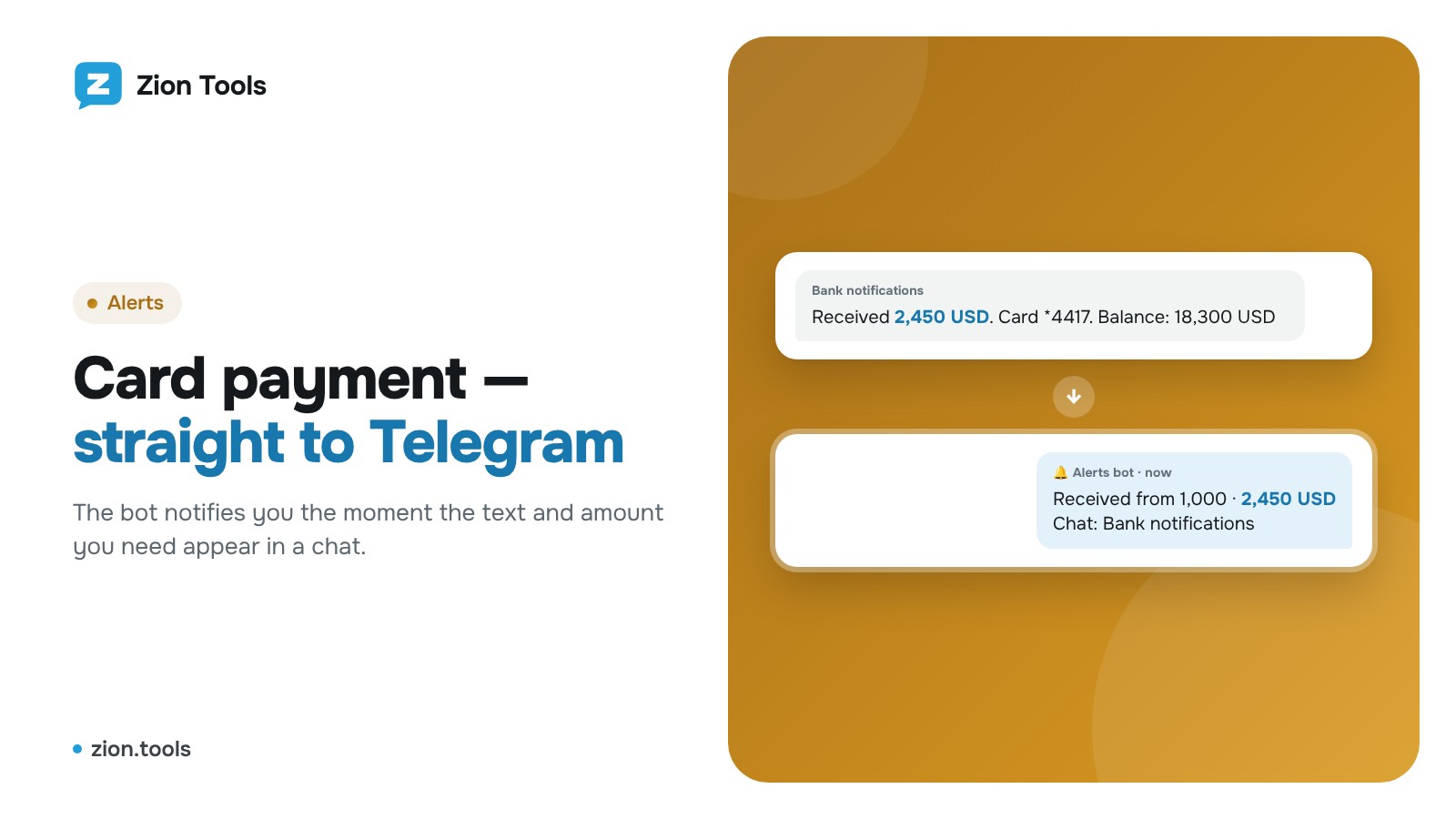
How to Get Telegram Alerts for Incoming Card Payments
The bot notifies you when a payment above your threshold appears in the chat with bank notifications. Set up an alert rule in 2 minutes.
Read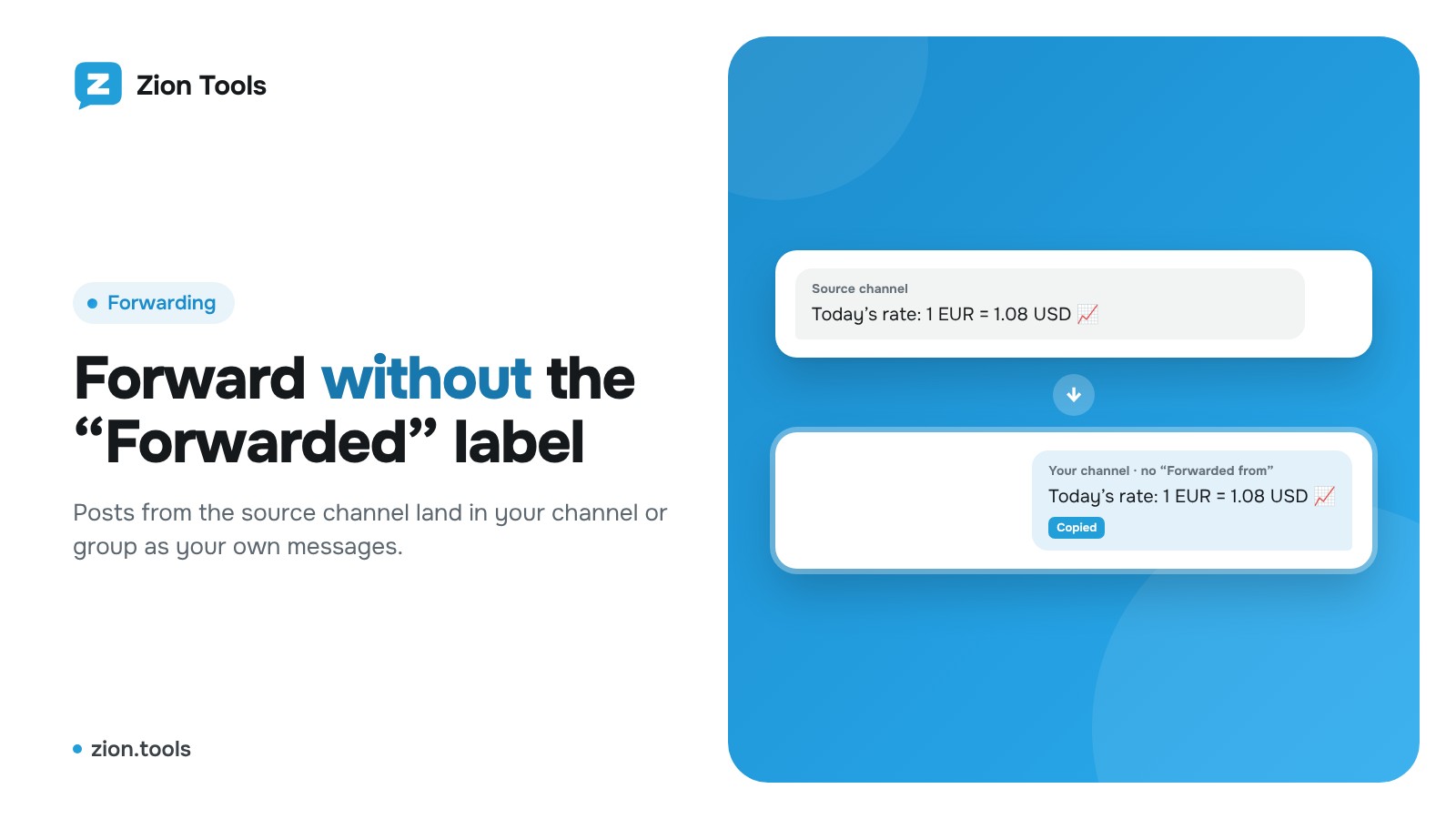
Forward Telegram Channel Posts Without the “Forwarded” Label
Automatically copy posts from a Telegram channel or group to your own channel without “Forwarded from…”: routes, filters, link replacement and signature.
Read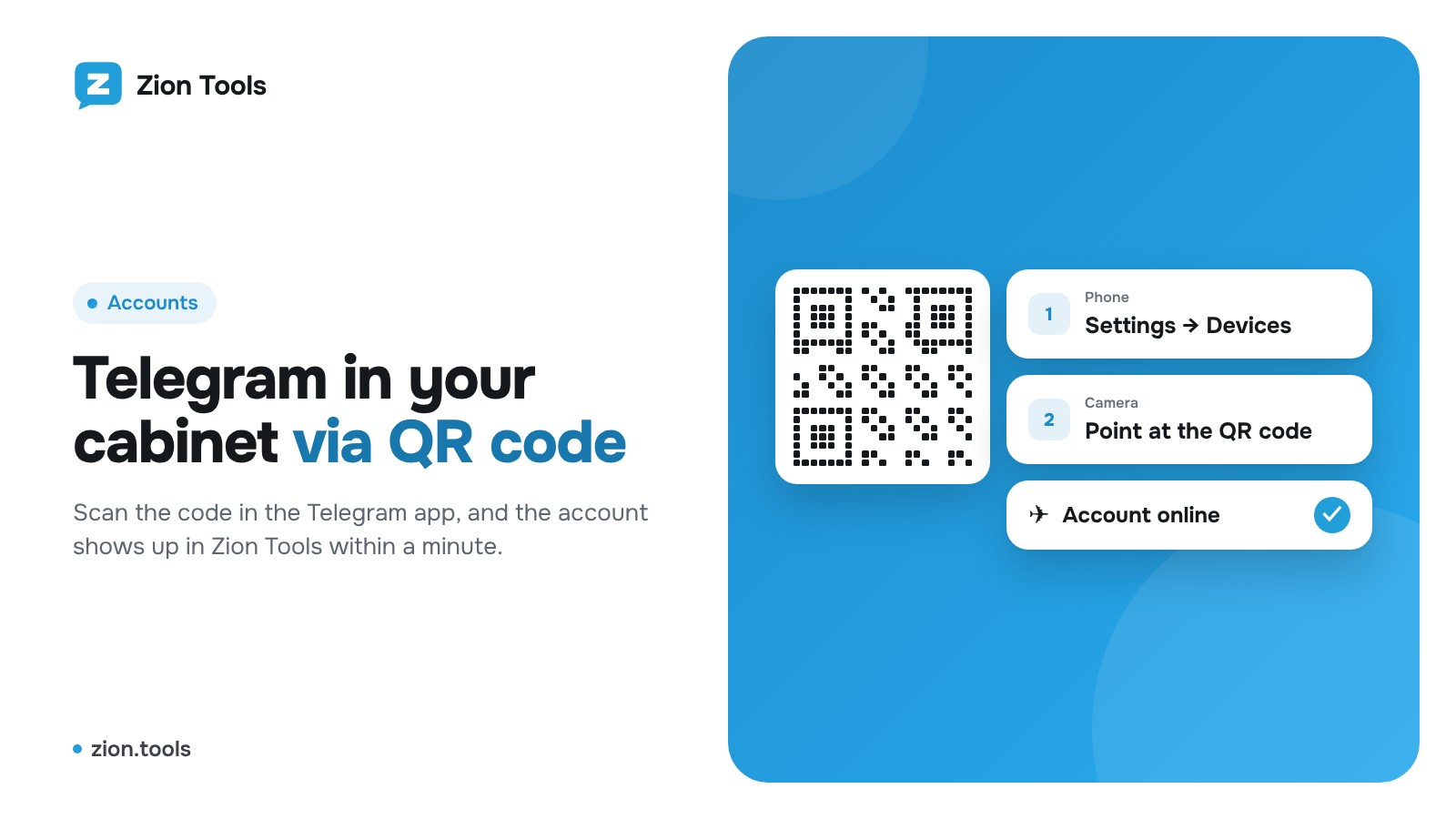
How to Connect a Telegram Account to Zion Tools with a QR Code
Step-by-step guide: connect a Telegram account to Zion Tools by QR code or phone number, enter your 2FA password and revoke access safely. Under a minute.
ReadTry it yourself
Sign up in a minute. The trial is free, and every module is available right away.