Is Telegram Forwarding Safe? How to Avoid a Ban
Forwarding messages through a personal Telegram account raises one question for many people: will I get banned? The fear makes sense: the account holds your chats, contacts and sometimes work groups. Below is what actually leads to restrictions, how calm automation differs from spam, and which habits cut the risk.
Nobody can promise a 100% guarantee, because Telegram sets and changes its own rules. Still, blocks have a few recurring causes, and most of them are avoidable.
What Telegram treats as abuse
Public rules and user experience point to three groups of causes:
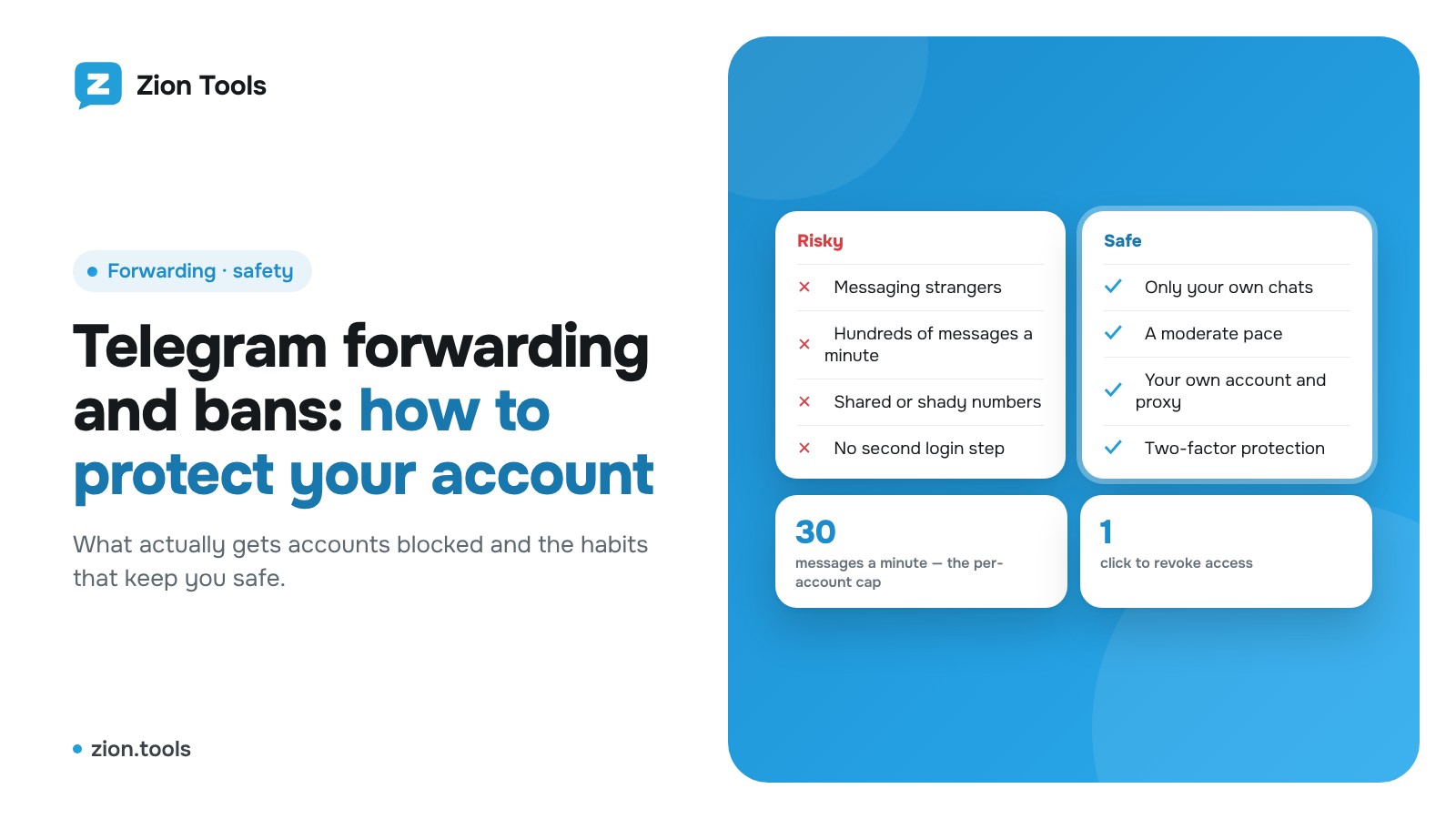
- Messaging strangers. A first message to someone who never wrote to you, especially an identical one sent to dozens of people, is the most common trigger for reports and limits.
- Too fast a pace. Hundreds of messages a minute, dozens of group joins in a row, bulk invites. Telegram answers with a “Flood wait” error: you must wait, and if you keep pushing, the account gets limited.
- User reports. If many people hit “Report spam” on you, the account is restricted from writing to people who are not in your contacts.
“Grey” phone numbers are a separate story. Accounts on virtual numbers and ready-made accounts bought from third parties get checked more often simply because the number has a poor reputation.
Forwarding is not mass messaging
Forwarding from one channel to another, or into your working chat, is a stream of messages between chats you already belong to. You are not writing to strangers or inviting anybody. To Telegram it looks like an ordinary user reading a chat and posting into their own.
That makes the risk noticeably lower than with mass messaging. It is not zero, though: if a source posts hundreds of messages a minute and you run a dozen routes, the pace becomes visible. A few simple habits help.
Six rules for safe forwarding
- Use only your own account. Do not take someone else’s or a “ready-made” account and do not share your login. Connect the account you actually use, via QR code or the code from Telegram, as in the connection guide.
- Forward only into your own chats. Channels and groups where you are an admin or member. Do not turn forwarding into a way to write to strangers.
- Do not speed things up needlessly. If a source is very busy, leave the route as it is: the service waits out a “Flood wait” and then retries on its own.
- Turn on two-factor protection. The cloud password in Telegram itself and extra sign-in steps for the dashboard protect against takeover. More in the article on two-factor authentication.
- Watch the device list. In Telegram → Settings → Devices you can see every session. The service session is labelled “Zion Tools”. If you do not recognise a session, terminate it.
- Respect chat rules. Copying other people’s content without permission is a separate reason for reports, and it can get an account blocked faster than any technical cause.
How Zion Tools handles it
Several safeguards are on by default:
- the account is connected through Telegram’s official sign-in, and a “Zion Tools” session appears in your device list (you can end it any time in Telegram or remove the account in the dashboard’s Accounts section);
- on a “Flood wait”, forwarding waits as long as Telegram asks and then resends the message;
- in Multi-account there is a cap of 30 messages and forwards a minute per account, so a slip does not turn into spam;
- if an account goes offline, its routes are paused and not billed, and the service does not reconnect it on its own;
- Multi-account requires a proxy (bought in the dashboard or your own), so the account does not hop between addresses;
- dashboard sign-in can be protected with a passkey, Google Authenticator, a Telegram code or a trading password.
More about the module is on the Forwarding page, and the article on forwarding without the “Forwarded” label covers that part.
FAQ
Can I get banned just for forwarding?
For calm forwarding between your own chats it is unlikely, but nobody can give a guarantee. The risk grows if you also message strangers, add people in bulk or get reported often.
What should I do about a “Flood wait”?
Nothing. It is Telegram asking you to wait. The service holds the pause and retries; there is no need to click buttons again and again by hand.
Is it safe to give a service access to my account?
Access is a session, like one more device. You can see it in Telegram’s device list and end it at any moment. Still, give access only to services you trust, and always turn on two-factor protection.
How do I tell a real service from a phishing clone?
Check the site address, do not enter Telegram codes on pages reached from chat or email links, and never send your two-step password in a message. A real service will not ask you to send a code in a private chat.
Bottom line
A ban is almost always the result of behaviour, not of forwarding itself: messaging strangers, a high pace, reports and doubtful numbers. Keep forwarding between your own chats, turn on two-factor protection and check the device list from time to time, and the risk stays low.
Want to set up forwarding without extra risk? Sign up and connect an account in a minute.