October update: stronger modules and security
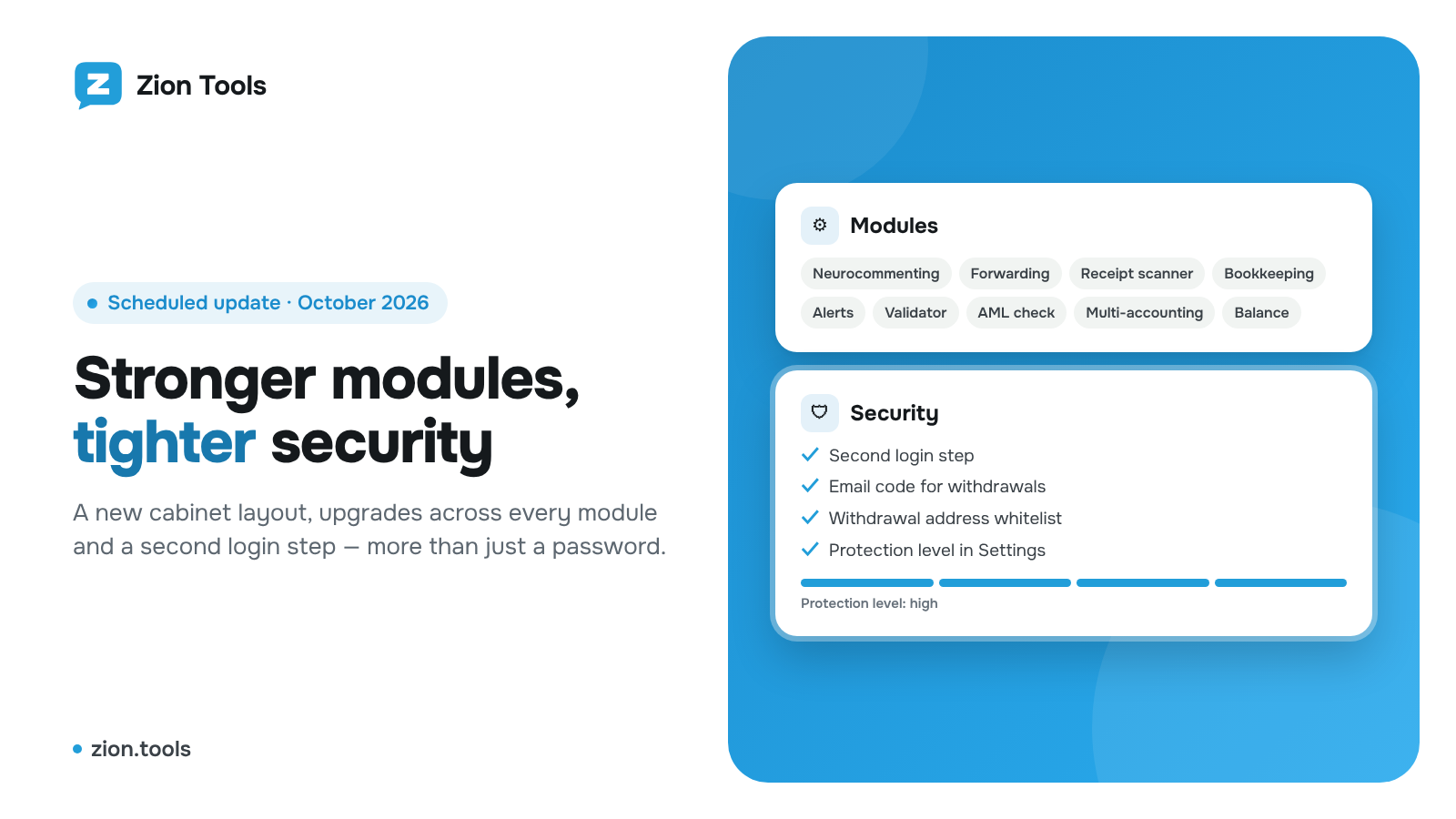
We have completed a scheduled update of Zion Tools. It brings a new cabinet layout, upgrades to almost every module and several new layers of protection for your account and money. There is nothing to set up again: routes, campaigns, templates, bot chats and history are all in place.
New cabinet layout
- The section title and a short hint now live in the top bar. The menu can be collapsed into a strip of icons so sections stretch to the full screen.
- Module sections share one layout: the working form on the left, history or log on the right. Everything fits on one screen without scrolling the page.
- A module’s Telegram bot is a line at the bottom of the form: you see how many chats are connected, and the chat list and connection open in a separate window.
- Empty lists show a short animation that explains how the module works.
Neurocommenting
- New mode: reply only to the post pinned by the channel or group admin.
- An hourly comment limit for each channel or group, on top of the account-wide limit.
- The 50 channels and groups per campaign limit is gone. From subscriptions lists all of the account’s channels and groups and has an All checkbox.
- Campaign stats as cards: how many replies and likes the comments got and how much of the hourly limit is already used.
- The log is split into All and Answered tabs.
Forwarding, Receipt scanner, Bookkeeping, Alerts, Validator, AML
- Forwarding: the new route form on the left, the route list on the right. Every route shows its status: active, stopped or paused because the account is offline. Paused time is not charged.
- Receipt scanner accepts PDF and detects the receipt currency from the symbol printed on it.
- Bookkeeping, Alerts, Validator and AML check use the new layout: form and log side by side, the Telegram bot as a line at the bottom.
Multi-accounting and accounts
- The account’s name, @username and photo update by themselves as soon as you change them in Telegram.
- Multi-accounting gets Saved Messages, contacts, a chat side panel with members and shared files, pinned messages and Full screen mode.
Balance and Referrals
- Balance: top-up and withdrawal are tabs. The payment invoice opens in a window with a QR code, the MAX button fills in the full available amount, and the withdrawal status and transaction hash appear in the transaction history.
- Referrals: a calculator shows how much you can earn per month and per year.
Security
- Second login step. If at least one protection method is on (passkey, Google Authenticator, email code or trading password), the cabinet asks for confirmation after the password, so a stolen password alone is no longer enough.
- Email code for withdrawals. A withdrawal request can be confirmed with a one-time code from an email. The code is valid for 10 minutes, works once and expires after five wrong attempts.
- Confirmation right in the withdrawal form: password, Google Authenticator code and email code. An icon next to each field shows whether that protection is on.
- Protection level in Settings: a four-step bar shows what is already on and what is worth turning on.
- Withdrawal address whitelist: you can allow withdrawals only to saved addresses. Removing this restriction requires your password and a code.
- A Telegram account is bound to the profile where it was first connected, and one proxy cannot be attached to two accounts.
What to do now
Open Settings → Security and turn on at least two protection methods. It takes a couple of minutes. Send ideas and wishes via Request a feature in the cabinet.