Why Tether Freezes Addresses and How to Check a Wallet
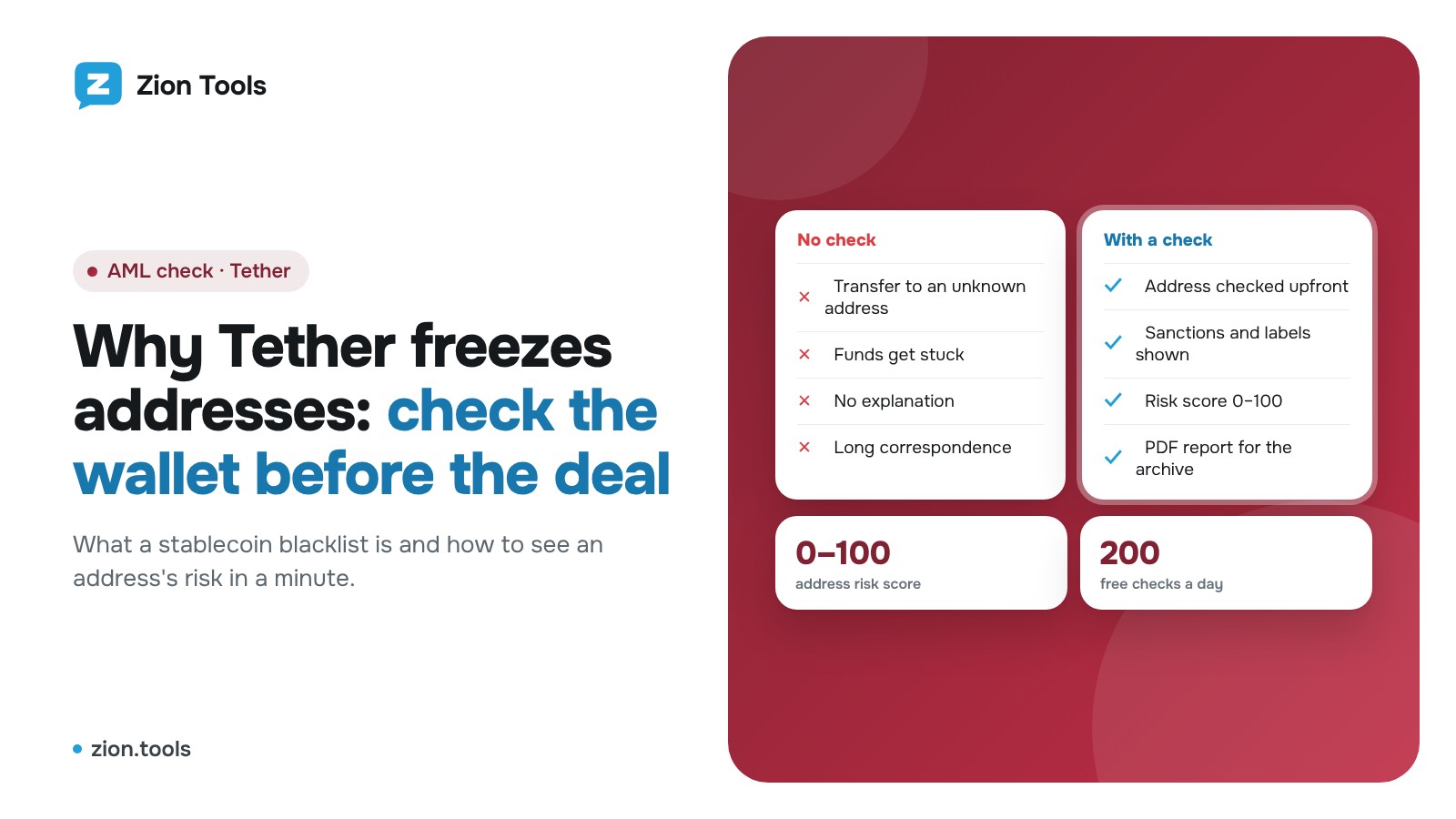
This is an add-on module. In your dashboard open Modules and press Install module on the AML check card, and it shows up in the menu. Free with any plan.
You agree on a crypto deal, get an address, send the money, and it gets stuck: the recipient's address has been frozen by the stablecoin issuer. Getting such a transfer back is close to impossible. Checking the address beforehand takes about a minute.
What "a frozen address" means
Tether, like other stablecoin issuers, controls the token contract. The contract has a blacklist: once an address is on it, tokens on that address can be neither sent nor received. The funds don't vanish, but while the address stays listed you can't move them.
The freeze also hits people who simply accepted a transfer from a "dirty" address without knowing it. So the check matters before you send money and before you accept a payment from a new client.
Why addresses end up on the blacklist
In general terms, with the final call made by the issuer:
- the address is linked to sanctions lists such as OFAC;
- a law enforcement request as part of an investigation;
- the address has been seen in thefts, hacks, fraud or laundering;
- close ties to mixers and other flagged addresses.
The list doesn't publish reasons. The only way to learn that an address is listed is to query the token contract directly, as described below.
How to check an address by hand
The token contract has a function that reports blacklist status. You can call it through a blockchain explorer (Tronscan for Tron, Etherscan for Ethereum) on the contract's read tab: find the stablecoin contract, open the read functions, paste the address and look at the answer, yes or no.
The catch is that you check one network and one token, and it says nothing about sanctions, thefts or mixers. An address can be not blacklisted yet and still dangerous: funds from stolen wallets may have passed through it.
What else to look at besides the blacklist
- Sanctions lists. A direct OFAC match almost always means you shouldn't accept the money.
- Address labels. Fraud, phishing, hacks, mixers. Specialised databases maintain them.
- Counterparties. If a large share of the turnover comes from flagged addresses, the risk is indirect but real.
- History. A brand-new address with no activity that immediately receives a large sum is also a reason to pause.
How the AML check in Zion Tools does it
The AML check module collects everything above into one report:
- looks at the Tether blacklist on Tron and Ethereum, OFAC sanctions lists and the address labels;
- checks the wallet's largest counterparties and shows their share of the turnover;
- gives a risk score from 0 to 100: low, medium, high or critical;
- works with Tron, Bitcoin, Solana and 17 EVM networks, detecting the network from the address.
How to use it:
- Open Modules and click Install module on "AML check". It is free with any plan, up to 200 checks a day.
- In the AML check section paste the address and click Check. Or send the address to the Telegram bot: a few checks are available without signing up.
- Read the report: the score, the signals found and where each risk comes from. Click Download PDF if colleagues need it or for your archive.
For the steps and risk levels in detail, see How to check a crypto wallet for AML. To send reports straight into a team chat, connect a webhook as described in the webhooks article.
FAQ
If an address isn't blacklisted, is it safe?
No. The blacklist is only one signal. The issuer doesn't add addresses instantly, and a clean address can still be tied to fraudsters. Read the whole score.
Can frozen funds be recovered?
The decision belongs to the issuer, and it usually concerns the address owner. It's better not to get there: check the address before the transfer.
Is one check enough?
Status can change. For a regular partner, check the address again before a large amount.
Is the report a legal opinion?
No. It is built from open sources and is for information only. The decision about the deal is yours.
When to check: a short checklist
- before the first transfer to a new counterparty;
- before accepting a payment from a client who writes to you for the first time;
- before a large amount to a regular partner;
- when the address arrived in a private message or in a chat with strangers;
- if the payment details suddenly changed.
A good habit is to keep the report: a dated PDF shows you checked the address before the deal.
Summary
A frozen address is not an exotic event, it's a normal part of the stablecoin market. A minute of checking before the deal costs less than a long correspondence after it. Sign up, install AML check and run your first address.