What Are Webhooks? Send Telegram Events to Discord and Slack
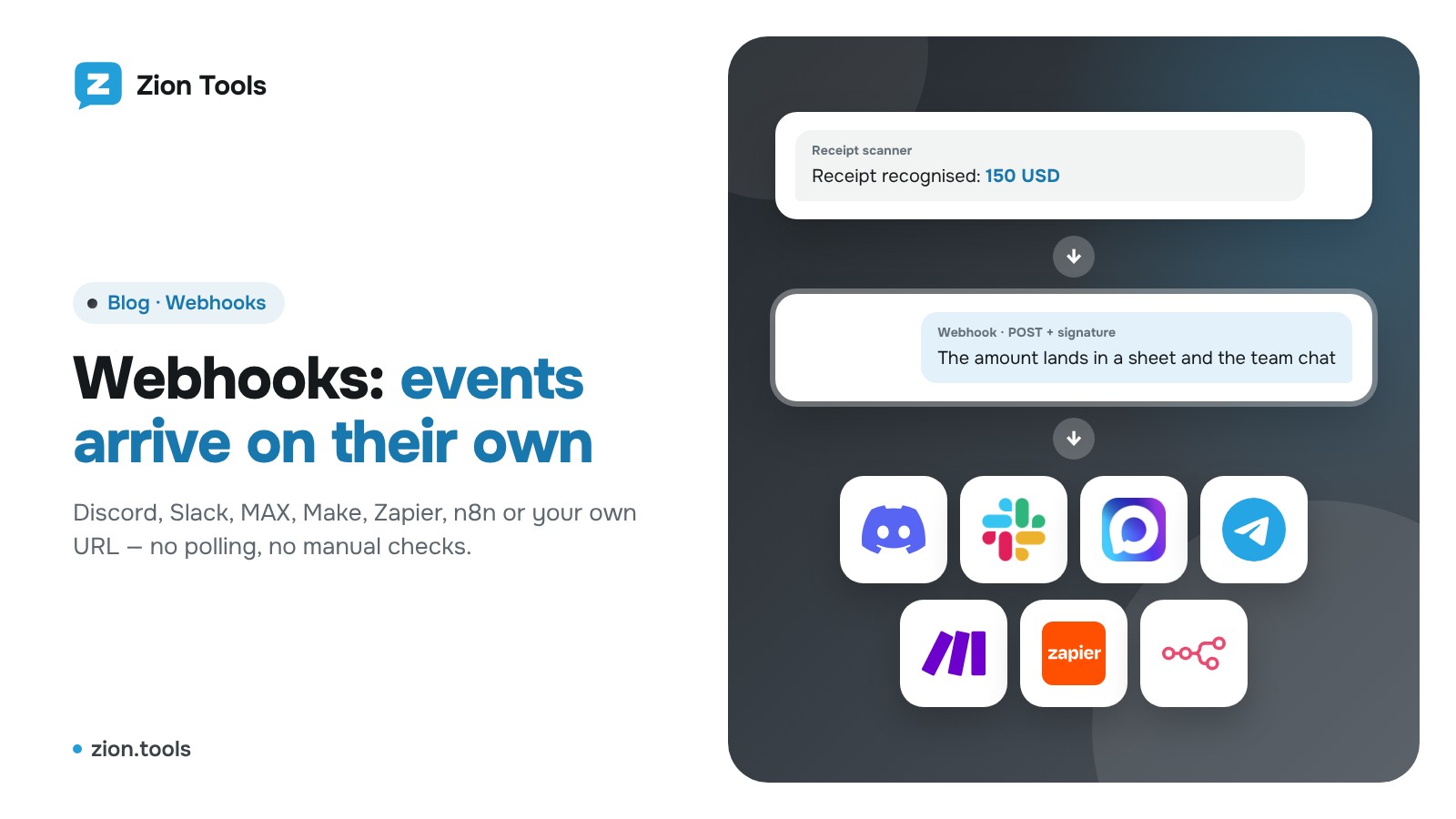
Say you want every new receipt, every duplicate request or every important Telegram message to land in a Discord channel, in Slack, in MAX or in a spreadsheet on its own. You can copy things over from Telegram by hand, or set up a webhook once and forget about it.
What a webhook is, in plain words
A webhook is a web address that a service sends a message to by itself when something happens. You don’t have to keep asking “anything new?”: the news comes to you the moment it occurs.
Compare two approaches:
- Polling. Your program contacts the service every few minutes and asks if anything new has appeared. Most requests are wasted, and the news arrives late.
- Webhook. The service sends a request (usually a POST with JSON data) to your address the second the event happens. No wasted requests, almost no delay.
Think of a phone notification for your inbox: you don’t check mail every five minutes, the phone tells you.
How it works under the hood
- The receiving side (Discord, Slack, your website, a Make, Zapier or n8n scenario) gives you a webhook URL, a long https://… link.
- You paste that URL into the service that will send events.
- When something happens, the service calls the URL and passes the data: text, amount, author, link.
- The receiver answers with status 200 (“got it”). If there’s no answer, a good service retries.
A webhook URL works like a password: whoever knows it can post to it. Don’t share it in chats or commit it to public repositories.
Where Zion Tools can send events
- Discord: a team channel. Text arrives with images, and “@everyone” mentions are disabled.
- Slack: a channel, via an Incoming Webhook.
- MAX: through your own bot. @MasterBot issues the token, and the bot must be in the chat or channel.
- Your own URL: a website, CRM or a Make, Zapier, n8n scenario, from where data can go on to Google Sheets, a CRM or another app.
For your own URL the service sends JSON and signs it: the X-Zion-Signature header carries an HMAC-SHA256 signature computed with the webhook’s secret. The receiver can recompute it and confirm the message really came from Zion Tools and wasn’t altered. Only https addresses are accepted, and the service never posts to private internal addresses.
Where Zion Tools has webhooks
Webhooks are available in every module where things happen on their own, and they come with the module at no extra charge. The modules themselves work under the plan you picked (pricing).
Forwarding
In New route, switch Telegram chat to Webhook in the “To” list and press Add webhook. Posts from the source chat go to Discord, Slack, MAX or your URL; filters and replacements work just as they do for a chat. More on the Telegram forwarding page and in the article on forwarding without the “Forwarded” label.
Alerts
In the rule’s Advanced section, next to Also to a webhook, add a webhook and tick it: an alert reaches both the bot and your URL, with the rule name, amount and a link to the message. The module is alerts.
Validator
A validation template has a Report to a webhook line: for every duplicate found you get the matched values and a link to the first identical message. The module is the duplicate checker.
Receipt scanner and Accounting
In the “Telegram bot” row press Webhooks, tick the ones you need and save. Every recognised receipt (receipt scanner) and every entry in expense tracking is passed on: amount, currency, fee or category, comment, author. That way entries reach your sheet or CRM automatically.
What if a webhook didn’t arrive
- Press Check to send a test message to the address.
- Open the Delivery log: recent deliveries, response codes and the error reason.
- The service retries by itself after a dropped connection, a server error or a rate limit: up to four attempts with growing pauses. Any other receiver error (say, the address was deleted) is marked “Not delivered” right away.
- If you suspect the secret leaked, issue a new secret in the “Webhooks” window and update it on the receiving side.
FAQ
How is a webhook different from an API? An API is “I ask”, a webhook is “I’m told”. For notifications and moving data, a webhook is simpler and faster.
Do I need a developer? Not for Discord, Slack and MAX: copying an address or token is enough. For your own URL, Make, Zapier or n8n let you build scenarios with the mouse.
Will I get extra noise? No: only what you switched on in the route, rule, template or module is sent, and the same message never goes twice.
How many webhooks can I connect? Up to ten per account; one webhook can serve several modules.
Start with one webhook
Pick your most frequent event, say a new receipt or an alert, and send it to the team chat. In five minutes you’ll see the time it saves. Sign up