Track Expenses from Receipts in Telegram, No Typing
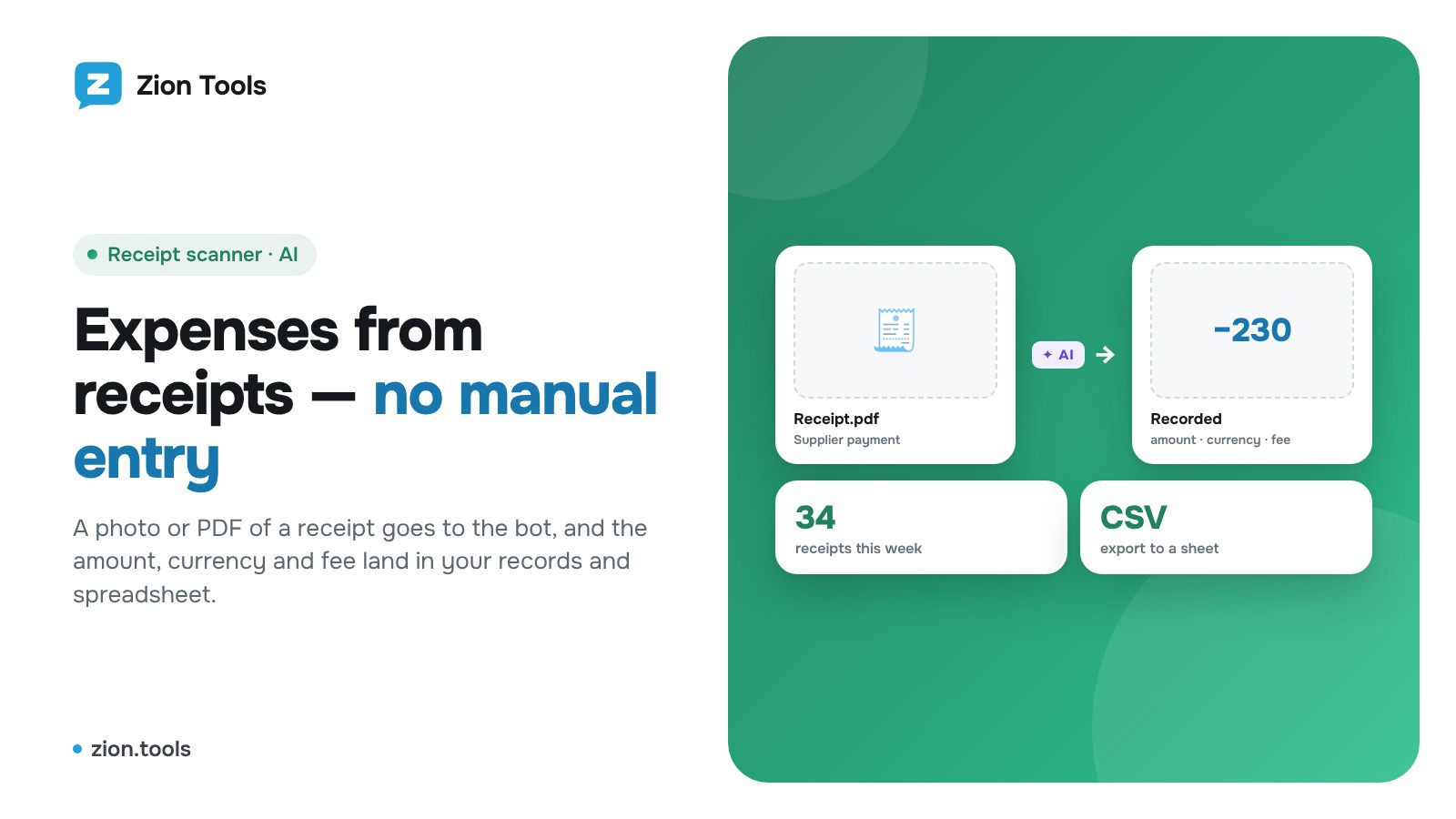
This is an add-on module. In your dashboard open Modules and press Install module on the Receipt scanner card, and it shows up in the menu.
Why manual expense entry breaks down
Expenses usually start with a receipt: a transfer to a supplier, an ad payment, cash handed to a courier. The proof arrives as an image or PDF in a work chat, and then someone retypes the amount into a spreadsheet. With ten receipts a day that is tolerable. With thirty, amounts get skipped, zeros get mistyped, and at month end someone asks, “Did we already count this transfer?”
The goal is simple: the amount, currency and fee from each receipt should reach your records on their own, and a person only checks the total.
What such a setup needs
- receipts are accepted where they already live: a work group or a private chat with the bot;
- screenshots, photos of a screen and PDF receipts are all recognized;
- the fee is kept separate from the operation amount;
- the same receipt is never counted twice;
- there are period boundaries: shift, week, month;
- data can be exported to a spreadsheet or a CRM.
How it works in the Receipt scanner
The Receipt scanner reads the amount from an image with AI and keeps a separate total for every chat. It accepts JPG, PNG, WEBP and PDF (up to 5 MB and 5 pages). The operation amount, the fee and the total are read separately, so you choose whether to count expenses with or without the fee.
The currency is taken from the mark on the receipt. With no mark, your default currency from Settings is used. A repeated screenshot of the same receipt is not counted.
Step 1. Install the module and connect a chat
- Open Modules, find “Receipt scanner” and press “Install module”.
- In the Receipt scanner section, in the “Telegram bot” row, press “Connected chats”.
- Choose “Private chat” or “Add to group”. In a group, make the bot an admin; it needs no permissions, but without admin rights it cannot see messages.
Step 2. Send receipts
Send an image or PDF to the chat. The bot replies, for example, “✅ Recognized: 150 USD”, and shows the running total. If no amount is found, it says so and nothing is charged for that receipt. Add the amount by hand then: `/add 1500` or `/add 100 USD`. Manual entries are free.
You can also upload receipts in the dashboard, in the “Add receipt” block. They go to your private chat’s total.
Step 3. Close periods
The `/reset` command in the chat, or “Close period” in the dashboard, saves all receipts in a tab with the period dates and starts the total over. Nothing is deleted: you can reopen last week or last month at any time. Made a mistake with the last receipt? Use `/undo`.
Step 4. Get the data into a spreadsheet
The dashboard lists all receipts and closed periods. “Download CSV” exports the list for Excel. To have rows appear in a sheet right away, press “Webhooks” in the “Telegram bot” row and tick an address. Every saved receipt goes there with its amount, currency, fee and the name of the total. Automation builders give you a custom address, and from there data can go to a Google Sheet or a CRM; the address receives JSON signed with HMAC in the `X-Zion-Signature` header. More in “Webhooks: what they are and how to connect them”.
Sorting expenses into categories
The Receipt scanner answers “how much”. The Bookkeeping module answers “on what”: every category has its own command, and the totals are shown as a chart. A practical combination: receipts go to the Receipt scanner, the amount from its report is recorded under the right category, and at month end you compare both views. Bookkeeping is free, like four other additional modules.
FAQ
Can I upload a photo of a receipt from my phone? Yes. A photo of a screen or of a paper receipt works if the amount is readable.
What if there are two amounts on the receipt? The bot finds the operation amount, the fee and the total separately, and the settings decide which one counts.
How much does it cost? The first receipts are free, then a fixed price per recognized receipt. Current prices are in Pricing.
Will receipts disappear after a shift is closed? No, the period is kept in a dashboard tab.
Summary
Expenses from receipts can be tracked without retyping amounts: receipts go to a chat, AI reads the totals, periods close with one command, and an export or a webhook delivers the data to a spreadsheet. See the Receipt scanner page for details, and the article “How to total receipts in a Telegram group” for simple shift totals.