Track Cash and Team Expenses With a Telegram Chat Bot
This is an add-on module. In your dashboard open Modules and press Install module on the Bookkeeping card, and it shows up in the menu. Free with any plan.
Cash and small team expenses usually live in three places at once: receipt photos in the work chat, amounts in voice notes, and a spreadsheet someone fills in once a week. By month end some spending is lost and the total has to be rebuilt by hand. It is easier to keep the books where the team already talks: Telegram.
What a cash log needs
A small team gets by with four things:
- Entries in seconds. If logging a payment is a chore, nobody does it.
- Categories. Supplies, transport, food, wages, so you can see where money goes.
- A way to fix mistakes. A typo must not break the whole record.
- A total on request. Balances by category should be one message away, not a monthly project.
Why spreadsheets fall short
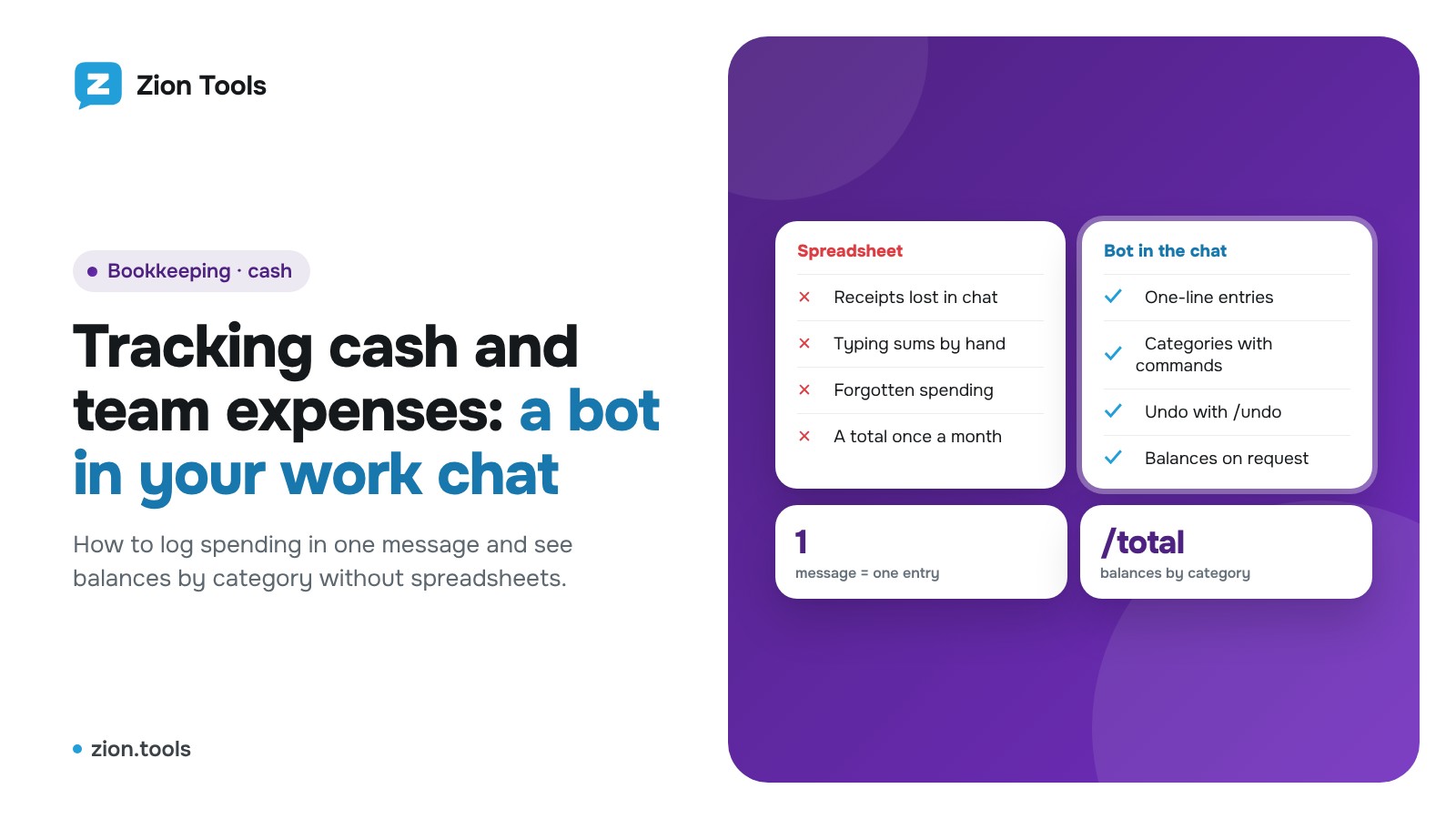
A spreadsheet is opened at a desk, while spending happens in a shop, a taxi or a warehouse. People write it down "later" and forget half of it. There is no consistent author per entry, no automatic category total, and closing a week or a shift means copying data to a new sheet.
How it works in Bookkeeping
The Bookkeeping module in Zion Tools turns a work chat into a cash book. It is a free module: install it in the Modules section. More on the Bookkeeping module page.
Step 1. Create categories
Open Bookkeeping and click Add category. Each category has a name, an icon, a bot command (for example `/cash`) and, if you need it, its own currency. Without one, the currency from Settings is used.
Step 2. Add the bot to your group
Click Connected chats, open the connection link and add the bot to the work group. Make the bot an administrator so it can see messages: no rights are required, the status is enough. Once connected, the bot sets its command menu from your categories.
Step 3. Log amounts
Pick a category with a button or a command and send the amount with a note, such as `40 taxi to the warehouse`. The bot replies that the entry is saved and shows the balances by category. Every chat keeps its own account, so the warehouse, the office and a field crew never mix.
Step 4. Correct and close the period
- `/undo` removes the last entry.
- `/total` shows balances by category for the current period.
- `/reset` closes the period: nothing is deleted, entries move to a period tab and a new one starts from zero.
Agreeing on the rules
A bot does not replace discipline, so agree on a few habits:
- One payment, one message. Entries stay separate and `/undo` removes exactly one payment.
- Always add a note. Two or three words ("taxi to the warehouse", "water for the office") explain a sum a month later better than anyone's memory.
- Keep categories few. Six to eight clear categories beat twenty tiny ones: the donut chart in Overview stays readable.
- One chat per cash box. Keep the warehouse, the office and field trips in separate groups: each chat has its own account and balances.
- Close the period on a schedule. Send `/reset` weekly or at the end of a shift, and the period totals stay in a tab.
A sample week
A warehouse admin creates the categories Transport, Supplies and Food. On Monday a driver writes `Transport 40 taxi to the warehouse` in the group, on Wednesday the storekeeper writes `Supplies 12 tape and film`. On Friday the manager sends `/total`, sees the balances for the three categories and then sends `/reset`. The next week starts from zero, while the previous one stays in its period tab, where it can be exported to CSV.
What you see in the cabinet
The Overview tab shows a donut chart with each category's share, the sums and an AI forecast for 30 days. Accounts and history keeps every entry, period and export: click Download CSV and open the file in Excel. You can also add an entry by hand with New entry.
When receipts arrive as photos
The Receipt scanner reads photos and PDFs of receipts and sends the amount to the chat's account. The setup is covered in Tracking expenses from receipts in Telegram. For group-chat bookkeeping in general, see Keeping team expenses in a Telegram group.
FAQ
Who can write to the bot? Any member of the connected group. The author of each entry is saved.
Can I use several currencies? Yes. A category can have its own currency, and balances are counted separately for each.
What if I typed a wrong amount? Send `/undo` to remove the last entry and enter the right one.
Is the data stored only in Telegram? No. Entries live in your cabinet and can be exported to CSV.
Try it
Install Bookkeeping and connect a work chat in a few minutes: Sign up.