Telegram automation for business: 10 tasks you can hand off
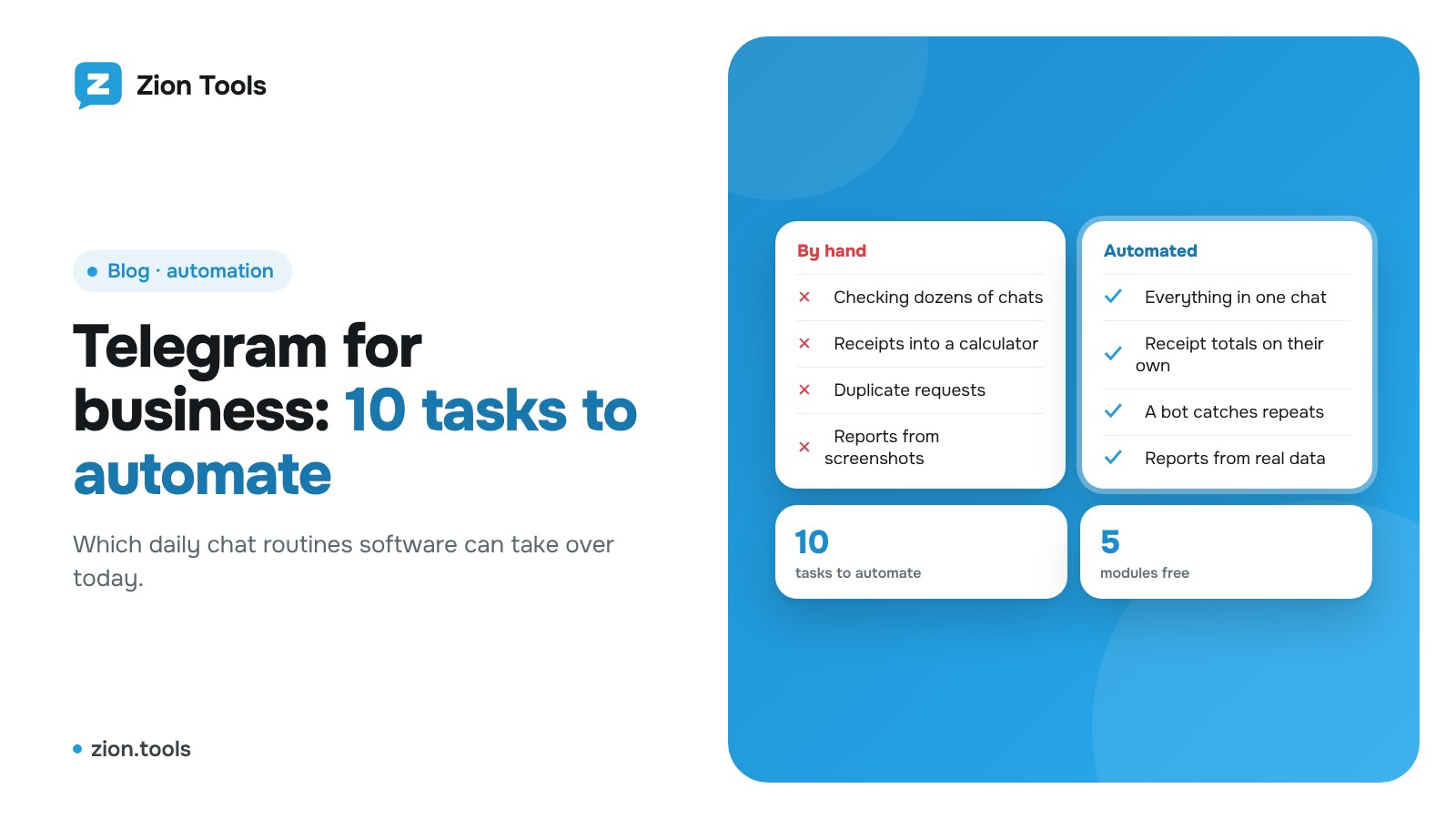
When Telegram is the main communication channel in your business, it is also the main source of routine. Receipts land in dozens of chats, customers write after hours, requests get duplicated, and the weekly report is assembled by hand from screenshots. The good news is that most of this can be handed to software. Below are ten tasks you can automate today, with a way to do each one.
Where to start
Do not try to automate everything at once. Pick the task that eats the most time or causes the most mistakes and set it up in one evening. The test is simple: the action repeats every day, follows the same rule and needs no human judgment. Software handles that better than a person. It does not get tired, does not get distracted and does not miss messages.
10 tasks you can automate
1. Collect messages from several chats into one
Supplier orders, branch reports and industry news arrive in different groups and channels. Instead of checking each one by hand, set up forwarding: messages from the sources you choose land in one chat. You can filter out noise by keywords and replace links. More: the Forwarding module and the guide to autoposting from another channel.
2. Hear about an important message right away
A product name, a customer's name, the word "urgent" or an amount above a threshold. A rule in Alerts watches the chats you pick and sends a notification the moment the message appears. The details are in the article on keyword monitoring.
3. Never process the same request twice
Managers paste one request into the shared chat twice, and the warehouse sends the same order again. The Validator compares messages by key fields (order number, phone, amount) and replies "Duplicate found". See the guide to finding duplicates in a group.
4. Add up receipts without a calculator
A receipt arrives as a photo or a PDF. Receipt Scanner reads the amount, currency and fee and writes it to the chat's account. At the end of the shift you just look at the total. More: receipt recognition and the article on summing receipts.
5. Track team expenses in the work chat
A teammate writes "B4 40" in the group or taps a category button, and the bot records the expense. Balances by category are visible at once, and the dashboard has a chart and a 30-day forecast. This is the Accounting module, and it is free. An example built on receipts: expense tracking from receipts.
6. Turn bank notifications into a report
Your bank sends a message for every payment. Connect that chat as a source, and Analytics parses the messages with your template and shows income and spending by day. Step by step: a report from bank notifications.
7. Run several accounts in one window
If you have a work, a support and a personal account, switching between devices is a chore. Multi-accounting gathers the chats of all accounts in one window that looks like Telegram, and gives each account its own proxy. More: several accounts in one window.
8. Keep a channel discussion alive
If you run a channel or a group, live comments under posts build trust. AI Comments writes short comments from your account in a style you set, with hourly limits and pauses between replies. Ads, giveaways and posts with nothing to answer are skipped. The point is not to turn this into spam, which the article on AI commenting covers.
9. Check crypto wallet addresses before paying
If customers or partners pay in crypto, check the address before you send. The AML check shows a risk score, sanctions lists and labels, and you can save the report as a PDF. More: checking a crypto wallet.
10. Get temporary numbers for sign-ups
A third-party service wants an SMS code, and you would rather not share your own number. VoIP number gives you a temporary number, the code arrives in your account, and if it never comes, your money is returned.
How to choose your first task
- List everything you do in Telegram more than three times a week.
- Mark what follows the same rule every time.
- Pick the one task that saves the most time.
- Set it up, watch it for a week, then take the next one.
A sensible order: forwarding and alerts first (they pay off on day one), then expense and receipt tracking, and analytics and forecasts last, once there is data to work with.
FAQ
Do I need to code? No. Everything is set up in your account: choose a chat, write a rule, press Save. For those who want more, webhooks and the API are included in Settings.
Is it safe to connect an account? Login uses Telegram's official method, by QR code or by phone number. You can revoke access at any time in Telegram's list of devices. More tips: how to protect your account.
What does it cost? Five of the ten modules (Analytics, Alerts, Validator, Accounting and AML check) are free on any plan. The main products are paid by package or in the constructor, and current terms are on the pricing page.
Can I start without paying? Yes, new accounts get a trial period, and its length is shown on the home page.
Getting started in Zion Tools
Sign up, connect your Telegram account by QR code, install the modules you need in the Modules section and set up your first task. Sign up.