Telegram Proxy: Why You Need One and How to Choose
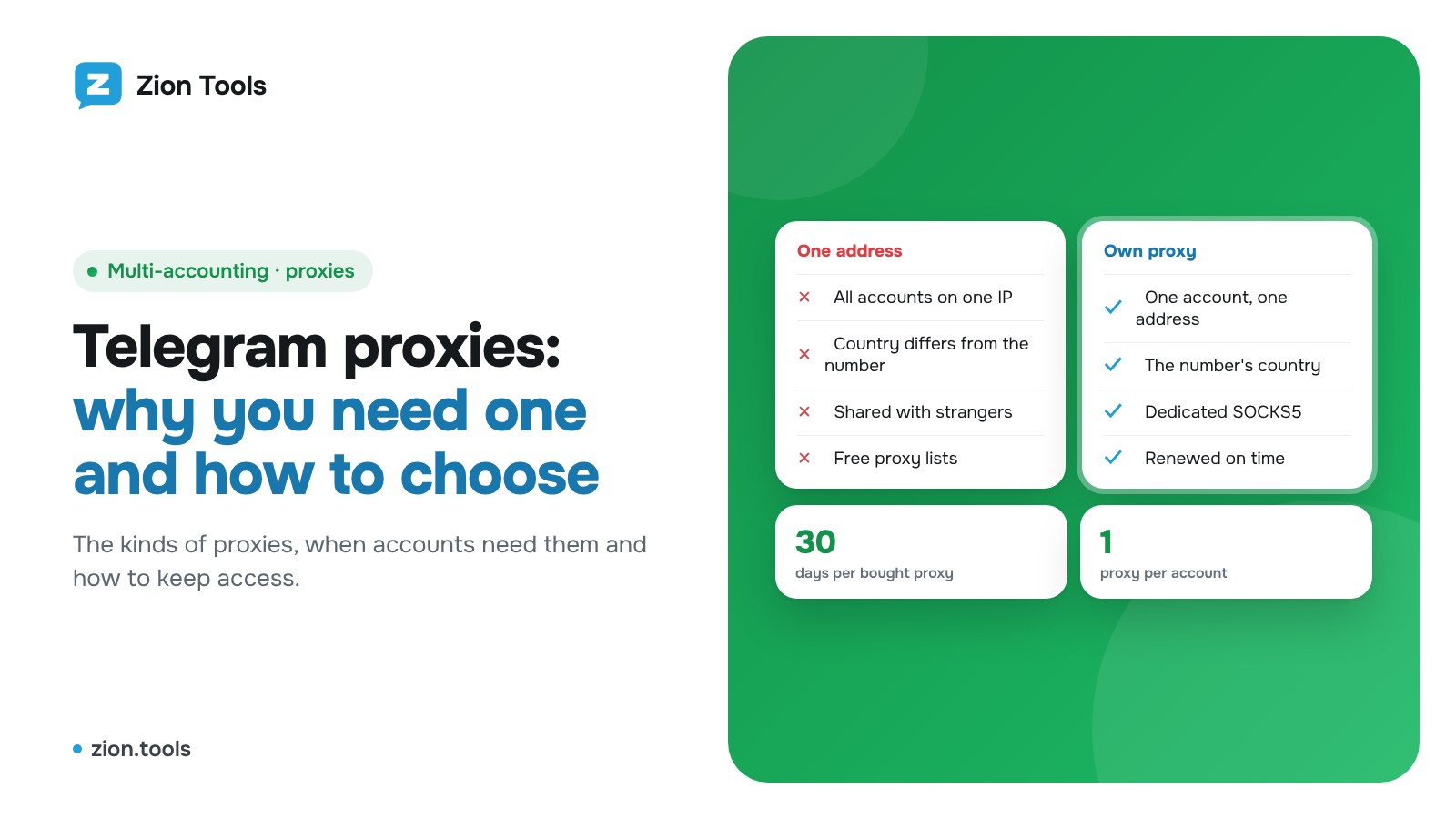
Once you run several Telegram accounts, or connect them to a service, the word "proxy" comes up fast. Some people say you will be banned without one, others call it a waste of money. Here is what a proxy actually does, which kinds exist, and when you need one.
What a proxy is
A proxy server sits between your account and Telegram. Telegram sees the proxy's IP address instead of the address of the machine where the client runs. Each account can get its own exit to the internet, with its own address and country.
It helps to know the limits. A proxy does not encrypt your messages better than Telegram already does, and it does not make an account untouchable. It solves three practical problems:
- It separates accounts. Ten accounts on one IP look more suspicious to Telegram than ten accounts on ten different addresses.
- It pins a country. A phone number from Uzbekistan that logs in from an address on another continent raises questions. A proxy in the same country as the number removes some of them.
- It gives a steady address. A service connects from the same IP every time instead of hopping around.
Types of proxies
- SOCKS5. The all-round option. It carries any traffic and supports a login and password. This is what most people use for Telegram.
- HTTP/HTTPS. Built for browsers. Weaker for apps, but almost every program understands it.
- MTProto proxy. A Telegram-specific type. It helps open the messenger where it is blocked, but it does not give each account its own address.
You also need to know who shares the address:
- Dedicated (private). The address is yours alone. Stable and predictable, a good fit for working accounts.
- Shared. Several people use one address. Cheaper, but someone else's behavior can hurt the address's reputation.
- Free lists. Unstable, often already blacklisted, and the operator can see your traffic. Keep them away from working accounts.
When you need one
You need a proxy if:
- you keep several accounts running at once, especially business ones;
- the accounts live on a server rather than on your phone;
- you want the address to match the country of the number;
- you want a problem with one account to stay isolated from the rest.
You can skip it if you have one personal account that you use from your phone and no automation.
No proxy replaces common sense. Bans usually follow messages to strangers, complaints and very fast bulk actions. More on that in Is Telegram forwarding safe?
How to avoid trouble
- One proxy per account. If several accounts share an address, the separation is gone.
- Match the proxy country to the number. A +998 number and an address on another continent look odd.
- Do not change addresses for no reason. Constant jumps between countries look worse than a steady address.
- Watch the expiry date. Proxies are rented for a period. When it ends, the account suddenly connects from somewhere else.
- Avoid random sellers. The owner of the proxy knows its login and password. Pick a provider with a track record.
- Turn on account protection. A proxy does not replace a second login step. See two-factor protection.
FAQ
Will a proxy slow Telegram down? You will only notice it with a poor provider. A good dedicated proxy adds a fraction of a second.
Can several accounts use one proxy? Technically yes, but then the proxy no longer separates them. One address per account is better.
What happens if the proxy stops responding? It depends on the software. In Zion Tools the account reconnects directly, and the cabinet shows a red line about the proxy problem.
Do I need a proxy for forwarding? Not necessarily. Forwarding works without one, from the server's address. Add a proxy when you have many accounts or want to pin a country.
How it works in Zion Tools
In the "Telegram accounts" section every account has a proxy line. There are two ways to set it up:
- "Buy a proxy". You pick a country (the number's country is suggested by default) and the service issues a dedicated SOCKS5 address for 30 days. The price is charged from your balance; current prices are on the pricing section. A bought proxy has an "Auto-renewal" switch that renews it from your balance two days before it ends.
- "Own proxy". Paste a line like `host:port` or `host:port:login:password` (socks5:// and http:// forms work too). The service checks that the address responds. One proxy can belong to one account only. You are responsible for how your own proxy behaves.
After that you can manage the address: "Change proxy" (earlier proxies stay in a saved list and any of them can be switched back), "Turn off proxy" and "Turn on proxy".
Where a proxy is required: in Multi-accounting an account without a working proxy does not open, and Neurocommenting works the same way. Forwarding and the other modules run without one.
More on handling several accounts in a single window: Multiple Telegram accounts in one window.
Connect an account and see it in action: Sign up.