Several Telegram Accounts on One Computer: Ways and Risks
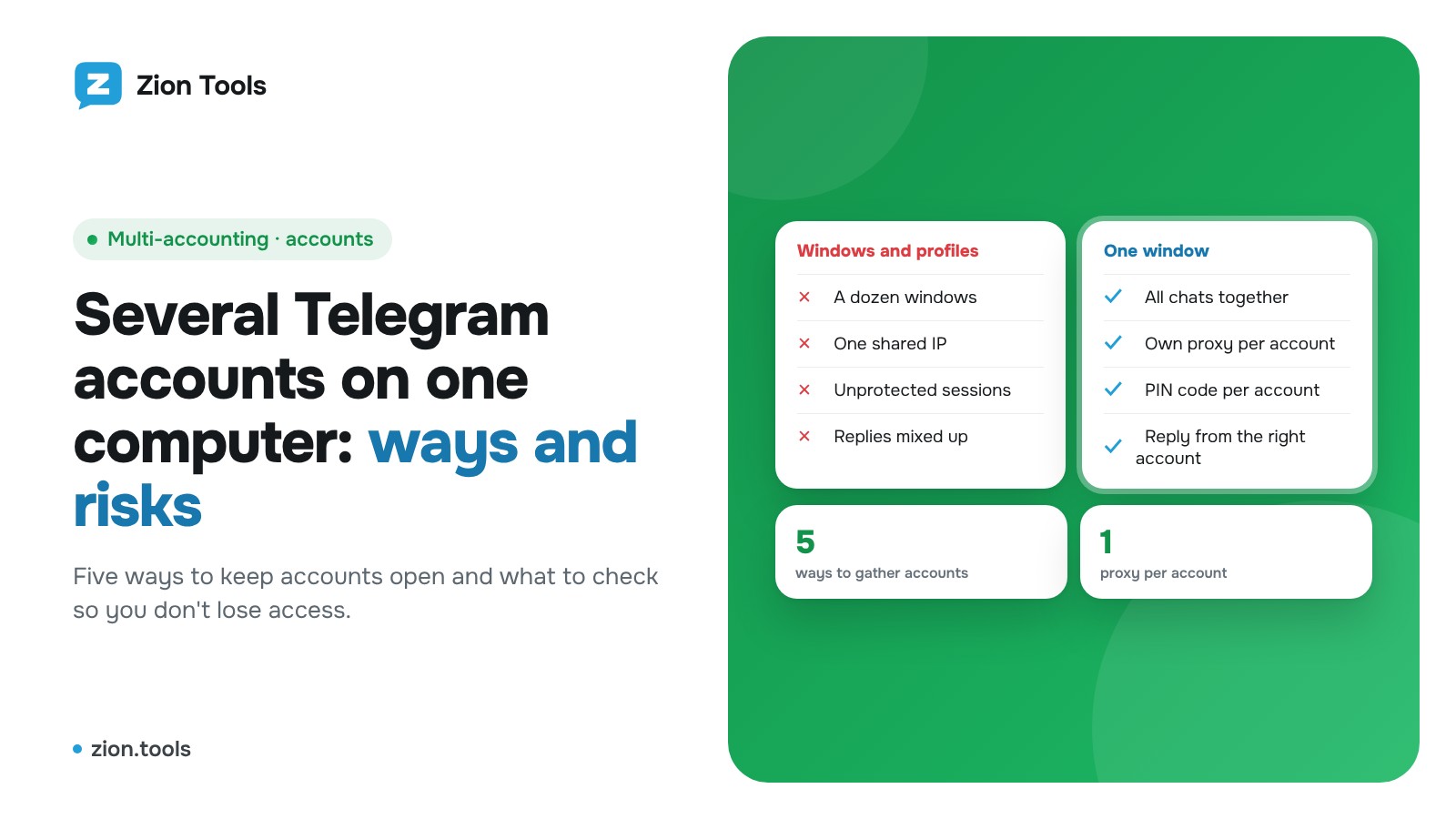
If you have a personal Telegram account, a work one and another for customers, sooner or later you ask how to keep them all open on one computer without mixing them up. Below are five ways to do it, where each one falls short, which risks apply to your accounts, and how it works in Zion Tools.
Why people run several accounts on one computer
Common cases:
- a personal account and a work account, so the conversations stay separate;
- accounts for different projects or countries;
- accounts for employees who answer customers on behalf of the company;
- a separate account for reading channels and forwarding posts.
All of this is normal and allowed. Trouble rarely comes from the number of accounts. It comes from how they are connected: from which addresses, in what pattern, and who can reach the sessions.
Way 1. Built-in account switching in Telegram
The official Telegram apps can hold several accounts and switch between them from a menu. It is the simplest option, but there is a ceiling: one app takes only a handful of accounts. There is also just one window, so to reply from another account you switch first, and notifications arrive mixed together.
Fits two or three accounts used by one person.
Way 2. Several copies of Telegram Desktop
The desktop client can run as several instances with separate data folders, for example with the `-workdir` launch option. Each copy lives with its own account.
The downside: you create and label the folders by hand, every window uses memory, and sessions are easy to lose when you move to another computer. A data folder is effectively a login to the account, so it should never be shared or stored carelessly.
Way 3. Telegram Web in separate browser profiles
The web version opens in a browser, and browsers have profiles. One profile holds one account, with its own bookmarks and extensions. It is convenient and needs no installation.
The same problem appears: ten profiles become ten windows and you switch between them by hand. Incognito mode is no permanent answer because the session disappears when you close it.
Way 4. Anti-detect browsers and virtual machines
For large batches of accounts people use special browsers with a separate fingerprint per profile, or virtual machines. They are flexible, but expensive and fiddly: each profile needs setup, proxies cost extra, and an update can break the whole arrangement.
Way 5. One window in the cloud
The last option: a service connects your accounts on its side, and you work with the chats of every account in a single browser window. Nothing to install, and you can open it from any computer. This is how Multi-accounting works in Zion Tools.
Risks that apply to any method
Whatever you pick, Telegram has several reasons to doubt an account. Keep these in mind.
- A shared IP address. Ten accounts signing in from one address looks unusual. Ideally each account has its own address, in the same country as its phone number. More on choosing one in Telegram proxies: why you need one.
- Overly aggressive actions. Mass messages to strangers and hundreds of messages a minute lead to limits even with a single account. What exactly gets accounts blocked is covered in Telegram forwarding and bans.
- Weak sign-in protection. If an account has no two-step verification password and several sessions are open on a computer, one leak exposes everything. Turn on two-factor protection.
- Shared computers and shared access. When several people use one machine, you need a way to hide an account from onlookers, such as a PIN code.
- Unclear third-party clients. A program you give account access to gets almost full control. Choose services that explain openly how they connect and let you end the session from Telegram.
A short checklist before you start
- Every account has a two-step verification password.
- Telegram → Devices lists only sessions you recognize.
- Each account uses its own address, in the country of its number.
- A fallback way to sign in is noted: you keep access to the phone number.
- Few people have access to the computer or the dashboard.
How it works in Zion Tools
Multi-accounting gathers the chats of every connected account into one window. Accounts are on the left, chats with folders and search in the middle, the conversation on the right: replies, forwarding, reactions, voice messages and files. The steps:
- Open “Accounts” and connect an account by QR code or by phone number. Repeat for each one.
- Give each account a proxy: “Buy proxy” (the country defaults to the number's country, 30 days) or “Own proxy” in the form `host:port:login:password`. One proxy attaches to one account, and without a proxy Multi-accounting stays closed for that account.
- Open “Multi-accounting” and choose “All accounts” or a single one. Accounts can be dragged and pinned, and “Full screen” expands the window over the dashboard.
- If several people share the computer, set a PIN code on the account: a locked account shows neither chats nor unread counts, and the window locks itself after a pause.
All sessions appear in Telegram → Devices as Zion Tools and you can end them at any time. A detailed walkthrough is in How to run several Telegram accounts in one window, and the features and terms are on the Multi-accounting page. Plans are listed on the home page under pricing.
FAQ
How many accounts can I connect? The limit depends on the plan: packages range from a few accounts up to a thousand, and in the Constructor you pick the number yourself. Current terms are always shown in the “Plan” section.
Can one proxy serve several accounts? Not in Zion Tools. One proxy attaches to one account, on purpose, so accounts never share an address.
What happens if the proxy stops responding? The account shows a red line, Multi-accounting closes for it, and the account returns to the proxy by itself once it is back.
Do I need to install anything? No. It all runs in the browser, so you can open the window from any device.
The short version
For two accounts, Telegram's own switcher is enough. With more accounts, or more than one person, a single window with a separate address per account and PIN protection is easier to live with. You can sign up and connect your first account in a few minutes.