How to get a virtual number for an SMS code in Zion Tools
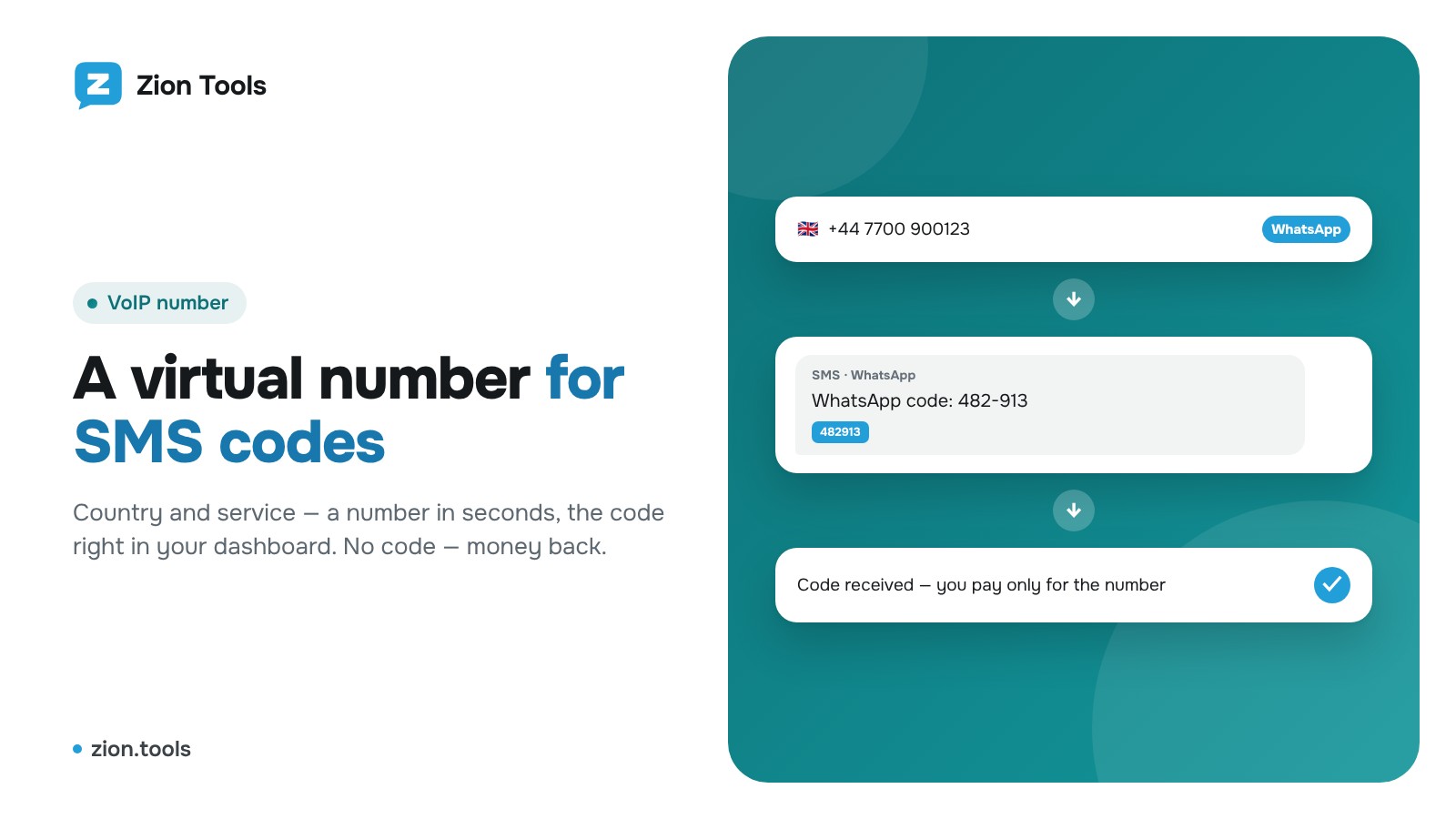
Many services ask for a phone number when you sign up: messengers, social networks, marketplaces. If you don’t want to share your personal number or need a second account for work, take a temporary number in the VoIP number section, and the verification code arrives right in your dashboard. You pay for the number from your balance, with no subscription fee.
Step 1. Choose a country and service
Open VoIP number. At the top left is the number’s country: click it and find the one you need. Below is the list of services for that country with the price and the number of free numbers; the search field next to the country quickly finds Telegram, WhatsApp, Google and others.
Each country and service pair has its own price. If a service has no numbers in that country right now, it isn’t listed, so try another country.
Step 2. Buy a number
Press Buy next to the service and confirm. The number appears on the right, in My numbers: next to it are a copy button and a timer: the number waits for an SMS for 20 minutes.
Enter the number in the service you are signing up for and request the code.
Step 3. Receive the code
As soon as the SMS arrives, the code appears in large type on the number’s card; click it to copy. The full SMS text is shown below. No need to refresh the page.
Need another code (the service asked again)? Press Another SMS and the number waits for a message again. When you don’t need more codes, press Done: the number closes and moves to the history.
If the code doesn’t arrive
If no code arrives within 20 minutes, the number closes by itself and its cost returns to your balance as a “Refund” entry. You don’t have to wait: before the code arrives, Cancel closes the number and refunds the money right away. Sometimes the provider doesn’t allow cancelling during the first minutes after issuing a number; then try again in a minute.
Once the code has arrived, the money isn’t refunded: the number has done its job.
History
Below the active numbers is the history: number, service, date, received codes and status (“Code received”, “No code · refunded”, “Cancelled · refunded”). All charges and refunds are also shown in the transaction history of Balance.
Rules
The number is single-use, for receiving a code. An account you plan to use for a long time may later need SMS re-verification, and this number will no longer be available. Use numbers only lawfully and according to the rules of the services you sign up for: mass sign-ups, bulk messaging and evading bans are prohibited by the terms.
More: VoIP number.