How to Track Team Expenses in a Telegram Group
This is an add-on module. In your dashboard open Modules and press Install module on the Bookkeeping card, and it shows up in the menu. Free with any plan.
Partners and small teams find it handy to record expenses in Telegram, where they already talk. Bookkeeping turns a group into a simple ledger.
Step 1. Create categories
In Bookkeeping add categories: “Expenses”, “Income”, employee names or projects. Each one has:
- an icon: from the site’s set or your own emoji;
- a bot command, e.g. /expenses (generated from the name, can be changed);
- a currency: its own or the one from “Settings”.
Reorder categories by dragging the tiles.
Step 2. Connect the bot
Click “Private chat” or “Add to group”. The bot sets up the category command menu itself.
Step 3. Record amounts
Pick a category with a button or command and send the amount. Add a comment after a space:
- “500 lunch at a cafe”: records 500 with a comment;
- “-250 refund”: a negative amount.
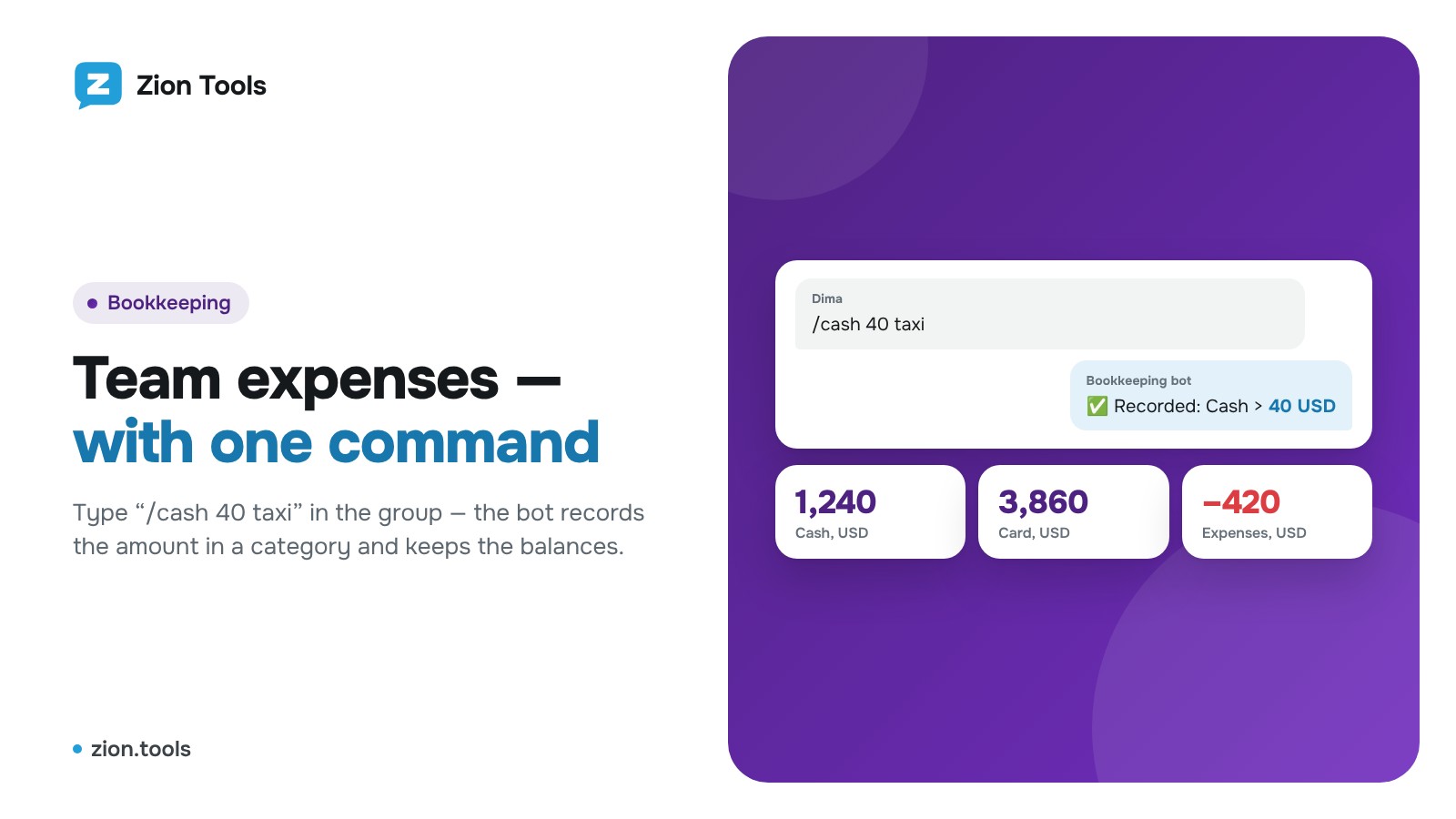
The bot replies “✅ Saved: Expenses > 500 USD” and shows balances for all categories.
Commands
- /total: balances;
- /undo: undo the last entry;
- /cancel: clear the category choice;
- /reset: close the interval (e.g. a month): entries are saved as a tab and balances start from zero.
In the dashboard
The section opens on the Overview tab: categories with their amount and share, a donut chart (hover over a category and its share is highlighted) and a 30-day AI forecast. AI looks at the account's entries for the last 90 days, forecasts each category's amount and writes a short summary. The Accounts and history tab has balance tiles, every entry with its author and comment, closed intervals and CSV export for Excel. Each chat has its own balance.
To Discord, Slack and a spreadsheet
Every entry, from the bot or the dashboard, can go straight to a webhook. In the Telegram bot row press Webhooks, tick a Discord, Slack or your own webhook (Make, Zapier or n8n, for example to have entries land in Google Sheets automatically) and press Save. You get the category, amount with currency, comment, author and account; your own URL receives JSON signed with HMAC.
More: expense tracking.