Forward Telegram Channel Posts Without the “Forwarded” Label
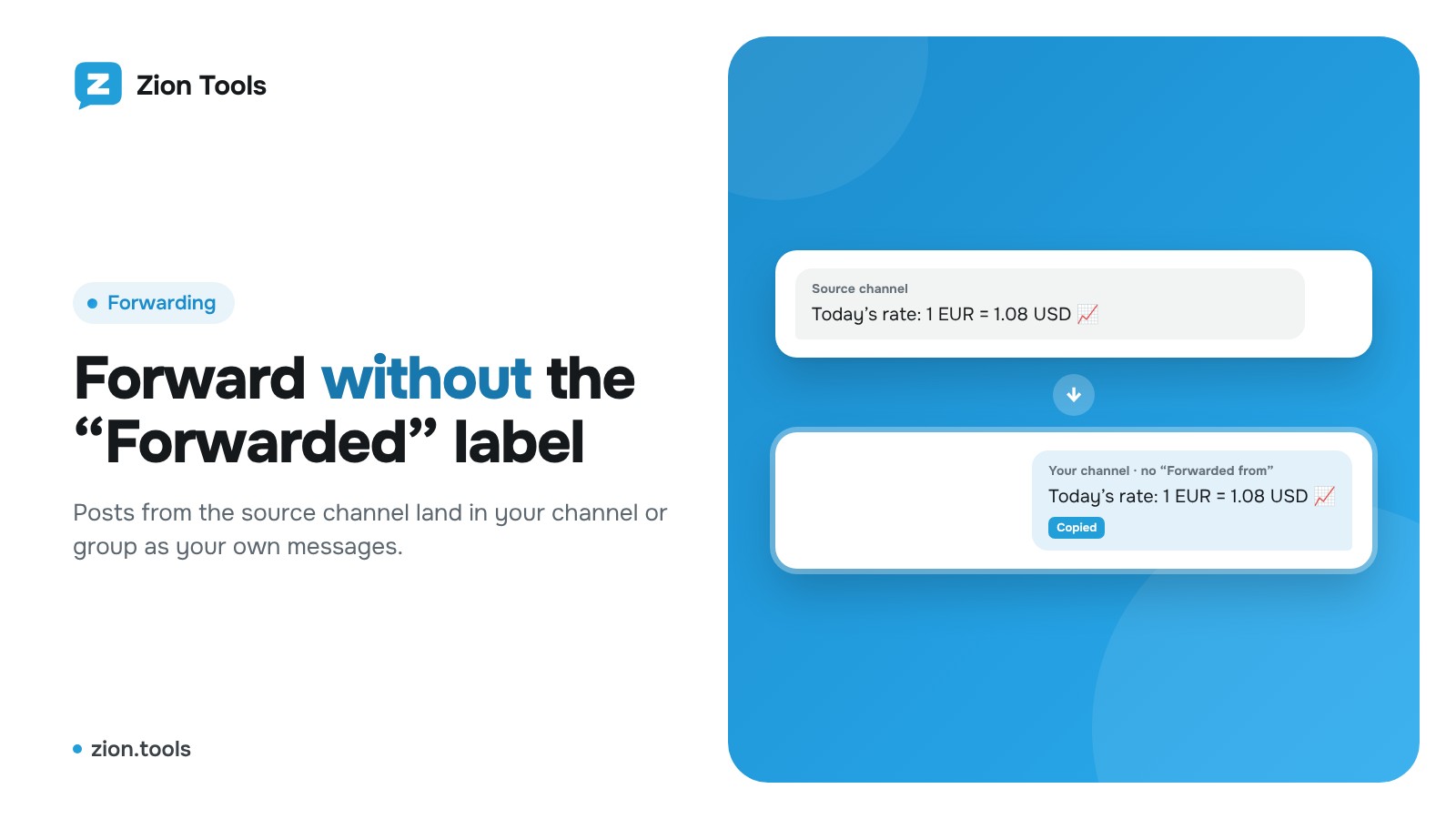
Telegram doesn’t let you remove the “Forwarded from…” label from a forwarded message. But you can post a copy: a new message with the same text and files. Zion Tools does this automatically for every new post.
What you need
- A Telegram account that is a member of the source channel (how to connect it).
- Permission to post in the destination channel or group.
Setup
- Open Forwarding and click “New route”.
- Choose the account, the source (where messages come from) and the destination (where they go).
- Set the mode to Copy so messages are posted as yours, without the label.
- Save the route. New messages from the source arrive within seconds.
Useful options
- Filters: forward only messages with certain words, skip stop words, only photos or only text, skip messages with links.
- Replacements: swap other people’s links and @mentions for yours, remove unwanted lines.
- Signature: add a link to your channel at the end of every post.
- Several destinations: one source can feed several channels; albums are forwarded intact.
To Discord, Slack and your own address
A route doesn’t have to end in a Telegram chat. In New route, switch Telegram chat to Webhook in the “To” list and press Add webhook:
- Discord: in the Discord channel settings open Integrations → Webhooks → New Webhook and copy the URL. Posts arrive in the channel with images;
- Slack: create an Incoming Webhook in your Slack app and paste the https://hooks.slack.com/… address;
- MAX: message @MasterBot in MAX, create a bot and copy its token, add the bot to the chat or channel you need, then paste the token and press Find chats;
- Your own address: a website, CRM or a Make, Zapier, n8n scenario. It receives JSON: the text, chat, author, a link to the post and files as links, signed with HMAC in the X-Zion-Signature header (the secret is in the Webhooks window).
Test sends a test message, and the Delivery log shows what got through and what didn’t. If the address doesn’t respond, the service retries a few times. Filters and replacements work for webhooks too.
FAQ
Does it work with private channels? Yes, as long as your account is a member.
Do I need to keep my phone or computer on? No, forwarding runs on the server 24/7.
More about the module: message forwarding.