How to Total Receipt Screenshots in a Telegram Group
This is an add-on module. In your dashboard open Modules and press Install module on the Receipt scanner card, and it shows up in the menu.
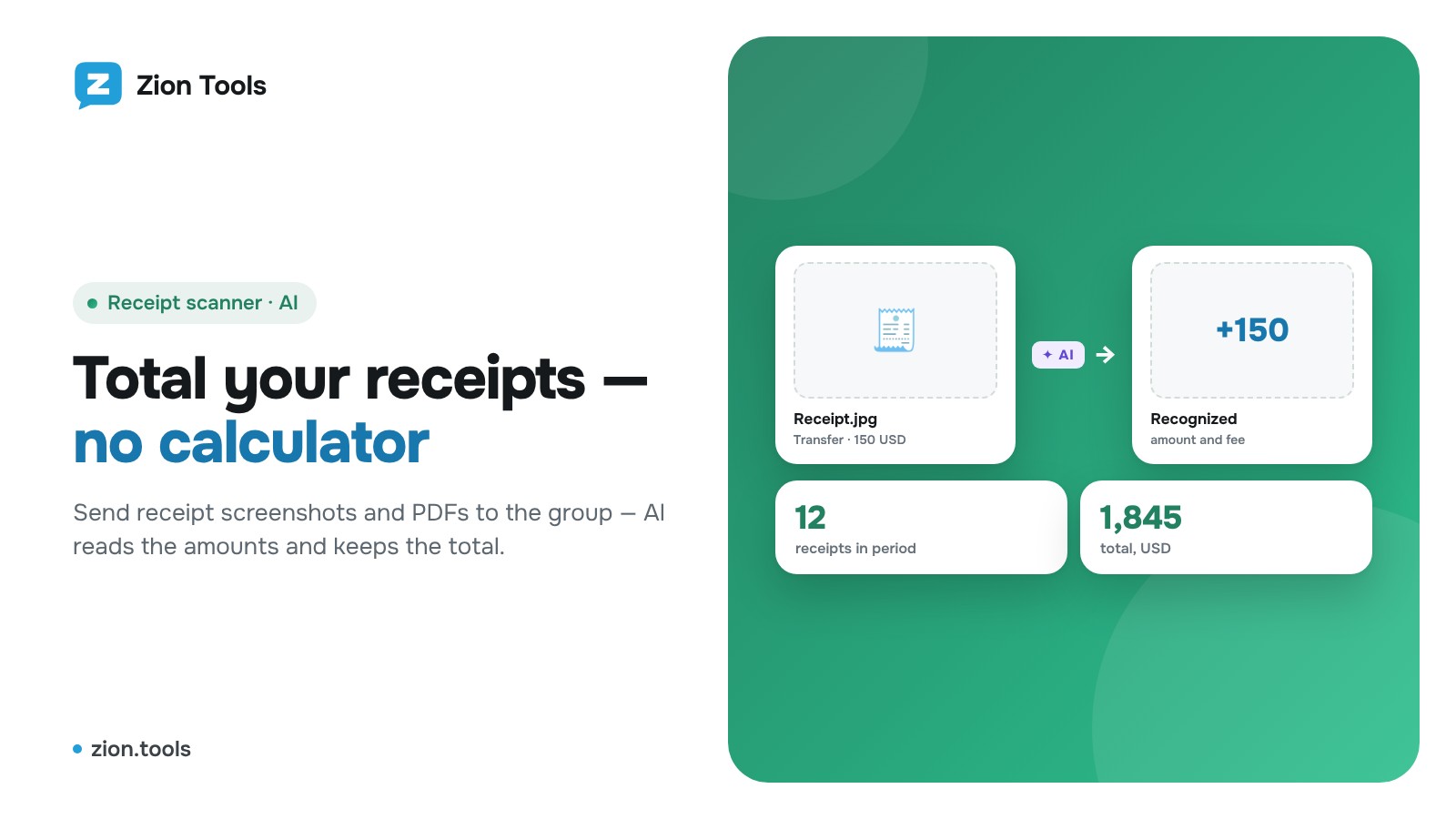
Operators send receipt screenshots to a group and at the end of the shift someone adds them up by hand. The Receipt scanner does it for you: it reads the amount on every image and keeps a running total.
Connecting
- Open Receipt scanner.
- Click “Private chat” or “Add to group”. The bot connects via a one-time link.
In the chat
Send screenshots of receipts, slips and transfers from banking apps (JPG, PNG, WEBP). The bot replies with, e.g., “✅ Recognized: 150 USD” and the current total.
Commands:
- /total: total for the current interval;
- /list: list of receipts;
- /undo: cancel the last one;
- /add 1500 or /add 100 USD: add an amount manually (free);
- /reset: close the interval: the total is saved as a tab in the dashboard and counting starts over.
Fees
If the receipt shows a fee, the bot recognizes it separately. In the dashboard choose whether to count amounts with or without the fee.
Report
The dashboard shows all receipts per chat, closed intervals (shifts) and Excel export. Each group has its own total.
Pricing
The first recognitions are free, then a fixed price per recognized receipt. If no amount is found, you are not charged.
To Discord, Slack and a spreadsheet
Every receipt can go straight to a webhook. In the Telegram bot row press Webhooks, tick a Discord, Slack or your own webhook (Make, Zapier and n8n give you one, and from there receipts can go to Google Sheets or a CRM) and press Save. You get the amount, currency, fee and account; your own URL receives JSON signed with HMAC in the X-Zion-Signature header. You can add a webhook right in this window.
More: receipt scanner.