How to Run an AML Check on a Crypto Wallet and Audit a Token
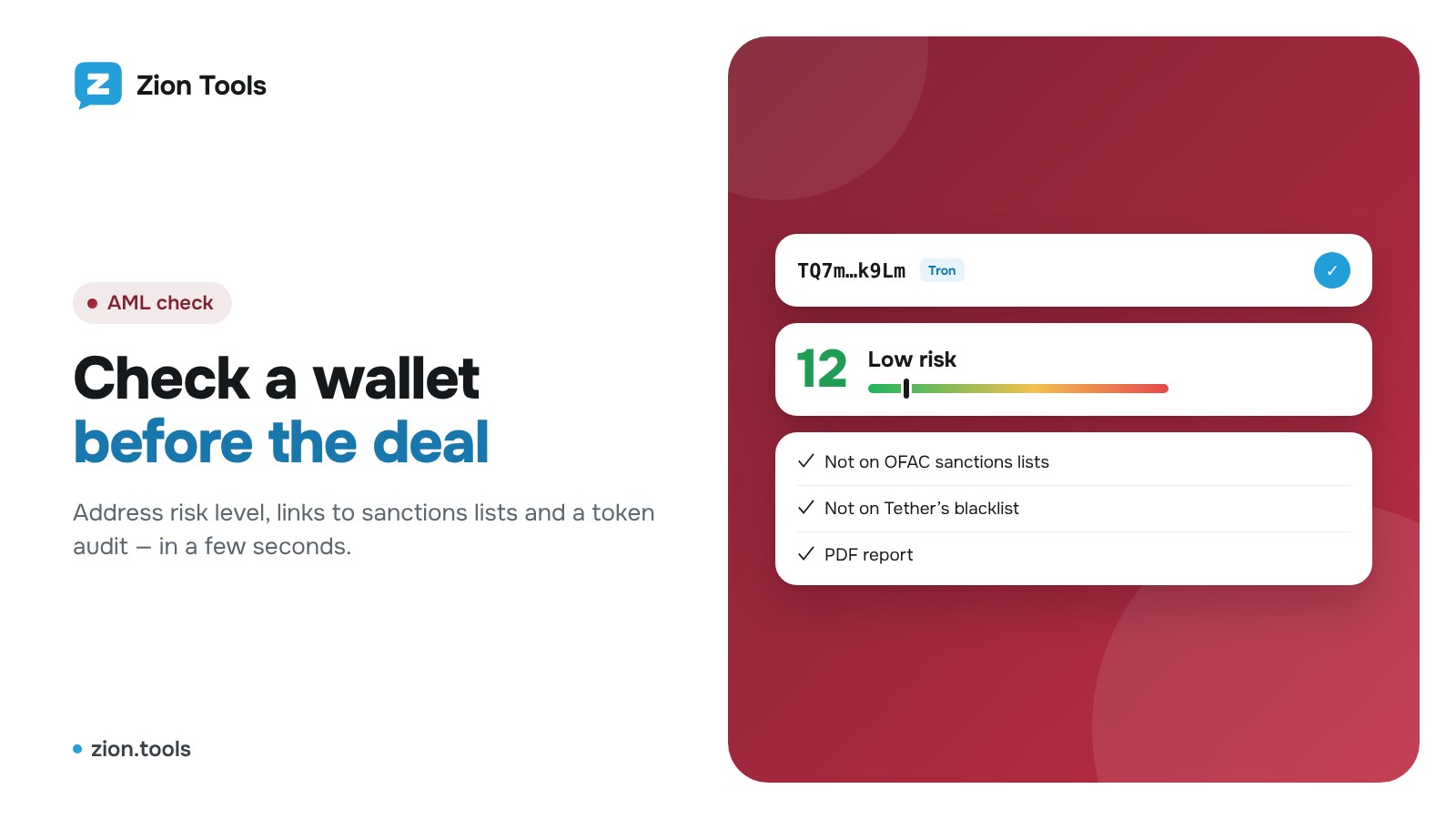
This is an add-on module. In your dashboard open Modules and press Install module on the AML check card, and it shows up in the menu. Free with any plan.
An AML check shows whether an address is linked to sanctions, theft, scams or mixers. Before a deal with a new client or buying a token, it takes less than a minute.
Step 1. Send the address
There are two ways:
- Telegram bot. Open the bot from the AML check section of the dashboard and send it an address. A few free checks are available without signing up.
- Dashboard. Sign up, open AML check, paste the address and click Check.
You don’t need to pick a network: the service detects it from the address. It supports Tron, Bitcoin, Solana and 17 EVM networks including Ethereum, BNB Chain, Base, Arbitrum, Polygon and Robinhood Chain.
Step 2. Wallet or token
- For a wallet, the service checks the address itself and its largest counterparties against OFAC sanctions lists, Tether’s blacklist, and theft, phishing and mixer labels.
- For a token contract, it runs an audit: whether the token can be sold (honeypot), buy and sell taxes, minting, owner rights and a hidden owner, the share of the largest holders, liquidity.
Step 3. Risk score
The result is a score from 0 to 100:
- 0–34, low: no risk signals found;
- 35–64, medium: indirect links, for example part of the volume with flagged addresses;
- 65–84, high: serious signals, so don’t proceed without a closer look;
- 85–100, severe: a direct match with sanctions, Tether freezes or stolen funds.
The report shows where each risk comes from: the address itself or a counterparty, the category and the share of volume.
PDF report and history
Every report comes as a PDF file in the bot. The dashboard keeps the history of all checks: open a report again or download it. To have bot checks saved in the dashboard, click Connect Telegram in the AML check section.
Reports in a team chat
Every finished report, from the dashboard or the bot, can go straight to a webhook: press Webhooks in the Telegram bot row and tick Discord, Slack, MAX or your own URL. You get the address, network, risk score and the risks found, so the whole team sees risky addresses right away.
Pricing
Checks are free with any plan, up to 200 a day: just install the module under Modules and it shows up in the menu. The Telegram bot gives a few free checks without an account.
The report is based on open data and is informational only. More on the AML check page.