How to Get Telegram Alerts for Incoming Card Payments
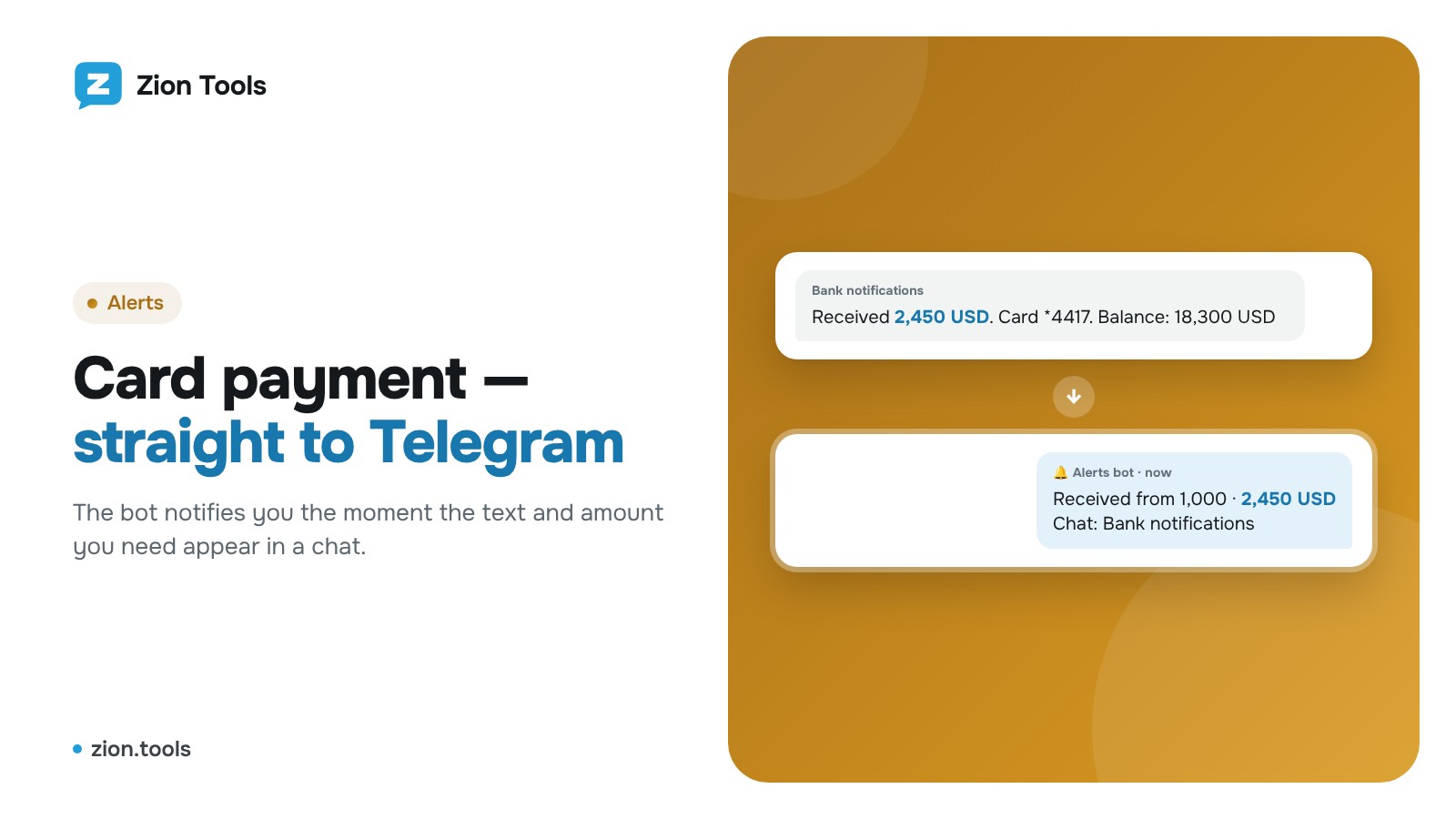
This is an add-on module. In your dashboard open Modules and press Install module on the Alerts card, and it shows up in the menu. Free with any plan.
If your bank’s notifications arrive in Telegram (in a group, from the bank’s bot or via forwarding), Zion Tools can watch them and send you a separate alert about large payments, so they don’t get lost among hundreds of messages.
How it works
Your Telegram account reads the selected chats and the alert bot sends a notification where you added it: your private chat or a team group.
Setup
- Connect a Telegram account that can see the notification chat.
- Open Alerts and connect the bot with “Private chat” or “Add to group”.
-
Create a rule:
- Text: a word from the payment notification, e.g. “Received” or “Credit”;
- Amount from: a threshold, e.g. 1,000;
- Chat: where to watch.
- Paste a sample notification into the test field: the dashboard shows which amount is found and whether an alert will be sent.
How the amount is found
It’s the number right after the matched text: in “Received 2,450 USD” the amount is 2,450. Dates, times, card and phone numbers are skipped.
To Discord, Slack and your own address
Besides the bot, an alert can go to a webhook. In the rule’s Advanced section, next to Also to a webhook, press Add webhook, paste a Discord, Slack or your own URL (website, CRM, Make, Zapier, n8n) and tick it. Every alert arrives there with the rule name, amount, text and a link to the message; your own URL receives JSON signed with HMAC in the X-Zion-Signature header.
Tips
- Create several rules: one for large payments to your private chat, another for everything to a team group.
- Under “Advanced” you can change the notification text and add a link to the original message.
- Every alert is logged and can be exported to CSV.
More: alerts.